Cloud Phone vs Antidetect Browser: The Difference
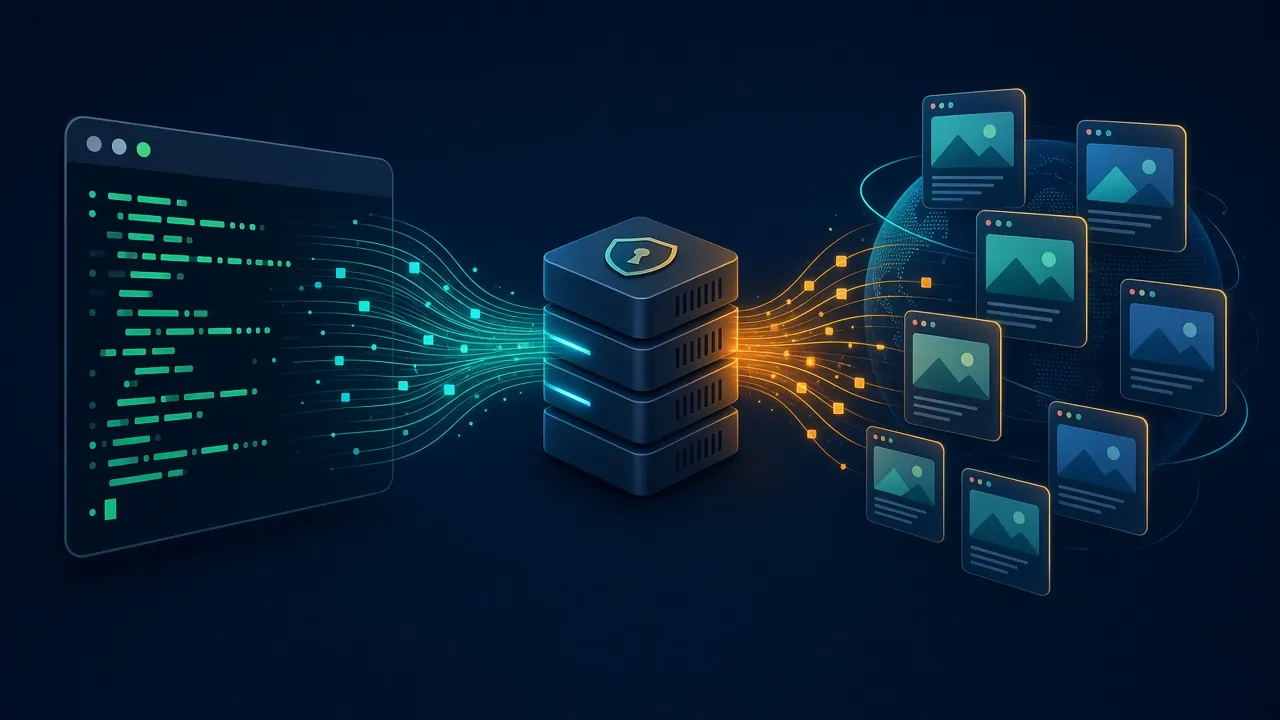
An antidetect browser spoofs a browser. A cloud phone is an entire Android device. Here is what each actually virtualizes, where detection happens on both, the attestation wall no browser can climb, and which one your work needs.

People compare these two as if they were competing products in the same category. They are not. An antidetect browser is a browser that lies convincingly about itself. A cloud phone is an entire Android device that happens to live in a data center. One is a program. The other is a computer.
That distinction sounds academic until it costs you money. Teams buy antidetect browser profiles for work that only happens inside a native app, or pay cloud phone prices for tasks a browser profile would have handled for a tenth of the cost. Both mistakes are common, and both come from treating the two as interchangeable multi-accounting tools.
This guide separates them properly: what each one actually virtualizes, where detection happens on each, the attestation wall that no browser can climb, and how to decide which your specific work needs. Neither is better. They operate at different layers of the stack.


- An antidetect browser spoofs a browser fingerprint on your own machine. A cloud phone runs a whole Android OS on remote hardware.
- If the target is a website, a browser profile does the job. If it is a native mobile app, only a cloud phone can reach it.
- Browsers fight canvas, WebGL, fonts and TLS fingerprinting. Cloud phones fight device IDs, sensors and Play Integrity attestation.
- Cost is not close: browser profiles are cheap and scale easily, cloud phones cost several times more per identity.
- Serious operations run both, matched to the platform rather than chosen as a philosophy.
The Difference in One Sentence
An antidetect browser changes what a website can read about your browser. A cloud phone changes what an app can read about your device.
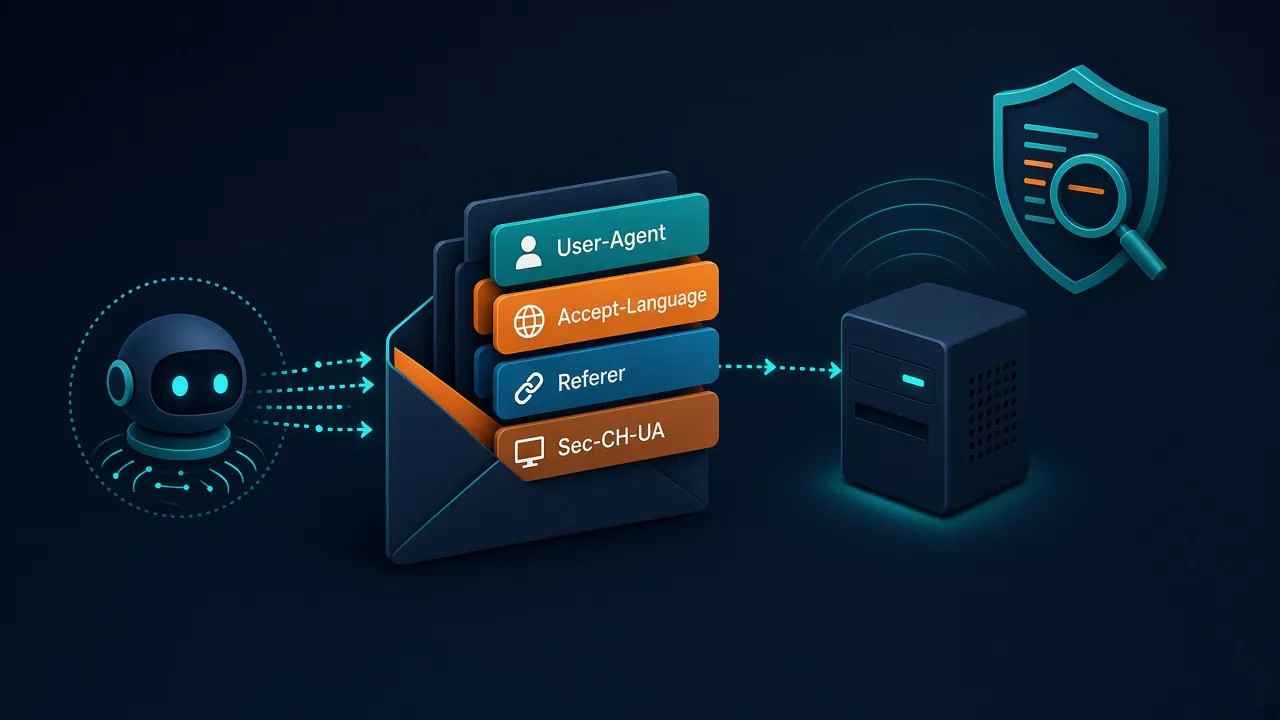
Everything else follows from that. A browser profile controls the values exposed through web APIs: user agent, canvas and WebGL rendering, installed fonts, screen metrics, timezone, WebRTC behaviour, and the TLS handshake signature. Those are the surfaces a website can query, and a good antidetect browser presents a coherent, unique, plausible set of them per profile. Our explainer on how antidetect browsers work goes through the mechanics.
A cloud phone controls a much larger surface because it owns the operating system. The Android build fingerprint, the IMEI, the Android ID, the advertising identifier, sensor readings, installed package list, SIM details, GPS, battery telemetry. An app asking any of those gets an answer from a real Android system rather than a spoofing layer.

What Each One Actually Virtualizes
| Layer | Antidetect browser | Cloud phone |
|---|---|---|
| What runs | A modified Chromium or Firefox build | A full Android OS instance |
| Where it runs | Your own machine, or a vendor cloud VM | Remote ARM server hardware |
| Isolation unit | A browser profile | A whole device |
| Reaches native apps | No | Yes |
| Main spoofed signals | Canvas, WebGL, fonts, UA, TLS, WebRTC | IMEI, Android ID, GAID, sensors, GPS, SIM |
| Network identity | Proxy per profile | Proxy per instance |
| Resource cost | Light. Dozens of profiles on one machine | Heavy. One instance is one server workload |
| Interaction feel | Native speed, local | Streamed, with visible latency |
The isolation unit row is the one worth sitting with. Two browser profiles on one machine share a kernel, a clock source, a filesystem, and a network stack. A well-built antidetect browser hides the overlap, but the profiles are still neighbours. Two cloud phone instances share nothing that Android can observe. That is a genuinely stronger separation, and it is most of what you pay for.
Where Detection Actually Happens
Both tools fight detection, but they fight different opponents, and knowing which layer is being tested tells you which tool can survive it.

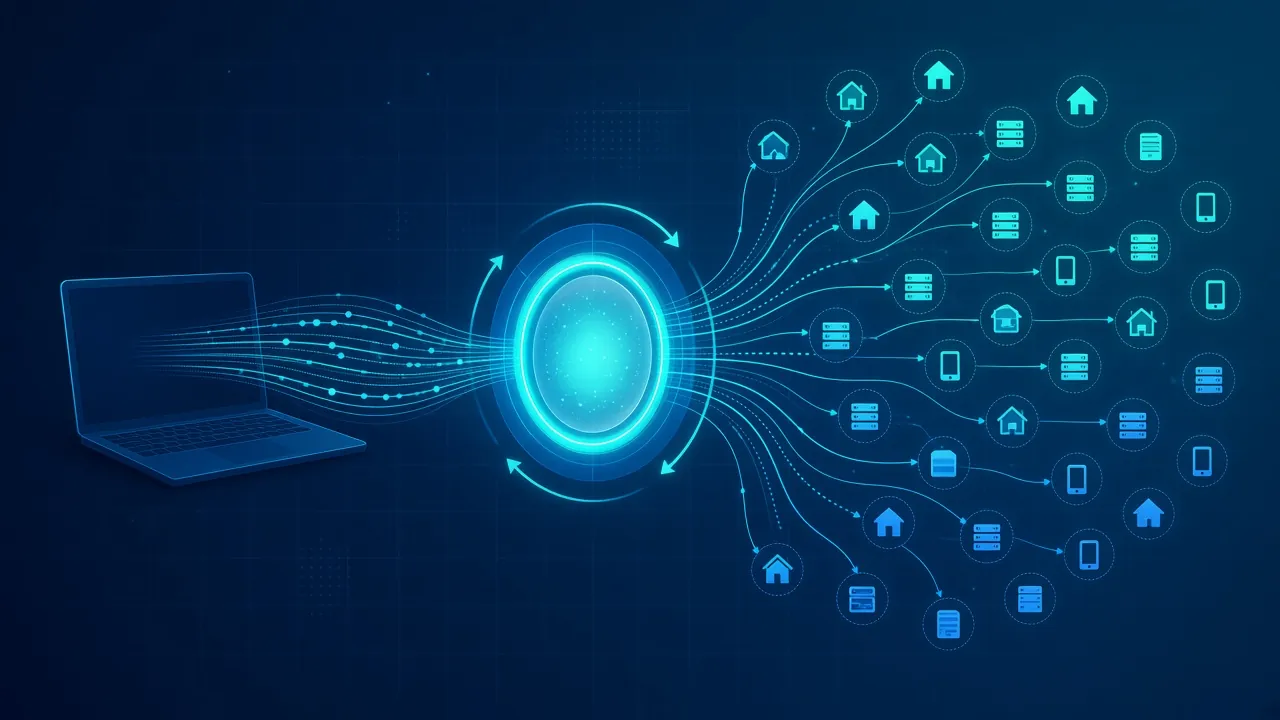
Network layer. Identical for both. An IP that looks like hosting infrastructure sinks either one, which is why both need a proxy and why IP reputation matters equally to each.
Browser fingerprint layer. Only relevant to the browser. Canvas rendering, WebGL vendor strings, font enumeration, audio context, and the JA3 or JA4 TLS signature are all web-surface checks. Antidetect browsers exist specifically to manage these, and the good ones do it at the engine level rather than by injecting JavaScript, which is the difference between a profile that survives and one that fails on the first serious check. We covered the underlying techniques in browser fingerprinting explained and TLS fingerprinting.
Device layer. Only relevant to the phone. Hardware identifiers, sensor availability and plausibility, build properties, and whether the accelerometer produces readings a real device would produce. A browser is never asked these questions. A cloud phone is asked constantly.
Application layer. This is where the two genuinely part company, and it deserves its own section.
The Attestation Wall
Android apps can ask Google whether the device they are running on is genuine, through the Play Integrity API. It returns a verdict describing how much the system trusts the environment: whether the app is unmodified, whether the device passes basic integrity, and whether it satisfies a stronger hardware-backed check tied to the device keystore and a current security patch level.
That verdict is a wall a browser can never encounter, because no website can invoke it. It is also a wall that separates cloud phone platforms from each other far more sharply than any feature list does.
Instances built on real ARM server hardware with a legitimate Android build have a genuine chance of returning a device-integrity verdict. Instances that are x86 emulation wearing a phone interface typically do not, because there is no hardware-backed keystore to attest against and the build properties give the game away. Same price bracket, sometimes. Completely different outcome when an app checks.
Our take: if your target app enforces integrity, this single question decides whether the platform works at all. Ask it first. Every other comparison is downstream of the answer.
What a Browser Simply Cannot Do
The functional gap is larger than most comparisons admit, and it has nothing to do with detection quality.
Some things only exist as native apps. Platform features ship to mobile first and often never reach the web version at full parity. Anything that needs push notifications, device contacts, the camera, or a phone number verification flow tied to the handset is app-only territory. Messaging platforms in particular assume a device rather than a tab.
There is also the trust asymmetry. Several platforms weight mobile app sessions more heavily than web sessions from the same account, because a mobile session implies a device that survived an install and an attestation check. A browser session implies somebody opened a tab. That difference shows up in how tolerant the platform is of unusual behaviour.
None of which matters if your work happens on a website. An advertising dashboard, an e-commerce back office, a web-based social scheduler: all of these live in a browser, and paying cloud phone prices to reach them is burning money for no signal benefit.
Cost, Speed and Scale
| Dimension | Antidetect browser | Cloud phone |
|---|---|---|
| Price per identity | Low. Free tiers exist and paid profiles are inexpensive | Several times higher. You are renting compute |
| Proxy cost | Residential is usually sufficient | Mobile is usually required, the priciest tier |
| Bandwidth burn | Moderate. Web pages | Heavy. Video-first apps pull continuously |
| Latency | None. Runs locally | Noticeable. Every tap is a round trip |
| Scaling limit | Your machine’s RAM, or the vendor cloud | Your budget, effectively |
| Automation | Mature. Playwright, Puppeteer, Selenium | Less mature. ADB and vendor APIs |
The automation row is underrated when people plan a build. Browser automation has a decade of tooling behind it and our guides on Playwright with proxies assume that ecosystem. Driving Android instances means ADB, accessibility services, or a vendor’s own scripting layer, all of which are workable and none of which are as pleasant.
The latency point is not a footnote either. Streaming a screen introduces a delay on every interaction, and work that involves a lot of tapping becomes noticeably tiring. It is fine for scheduled sessions and painful for high-volume manual work.
The Tools Worth Testing on Each Side
1AdsPower
The default recommendation on the browser side for anyone who is not an enterprise. Profile management is straightforward, the automation API is usable without a wrapper, and the pricing is the most forgiving in the category for someone running tens rather than hundreds of profiles. If your work is web-based, start here and only move if you hit a specific wall.
2GeeLark
Built specifically for the cloud phone model rather than bolted onto a browser product, which shows in how the instances are managed. Each profile is a full Android environment with its own hardware identifiers, SIM details, and GPS, and proxy binding is handled per device. The natural pick when the target is a native app and you want a platform that treats mobile as the primary case rather than an add-on.
3MoreLogin Cloud Phone
The pragmatic middle path, and a useful one if you already run browser profiles and want to add mobile without moving to a second vendor. The MoreLogin cloud phone product sits alongside its antidetect browser, so you can keep web-based accounts in profiles and push only the app-dependent work onto Android instances, managed from the same place. That single-vendor setup is worth real operational time when you are running both layers.
Which One Should You Use?
1Affiliate Marketing and Ad Accounts
Browser, almost always. Ad platforms run in web dashboards, the automation tooling is better, and per-profile cost matters when you are managing many accounts. Our roundup of antidetect browsers for affiliate marketing covers the specifics.
2Social Media Account Management
This is the genuinely mixed case. Web interfaces exist for most platforms, and a browser profile will work for scheduling and light management. But accounts that need app-only features, phone verification, or the trust weighting that mobile sessions carry belong on cloud phones. Many operators split it deliberately: browser for the routine work, phone instances for account creation and anything sensitive.
3E-commerce and Marketplace Accounts
Browser handles the seller back offices comfortably. Cloud phones become relevant for platforms where buyer accounts are app-first, or where account verification is tied to a device. Worth checking whether your specific marketplace enforces anything app-side before spending.
4Web Scraping and Data Collection
Neither, usually. Both are built for holding identities, not for throughput, and paying per profile or per instance to fetch pages is an expensive way to do something a scraping stack does better. Use proper tooling and proxies instead, as covered in antidetect browsers for web scraping where the exceptions are laid out.
The Honest Trade-Offs
Antidetect Browser
- Cheap per profile, with genuine free tiers available
- No latency, since it runs on your own machine
- Mature automation through Playwright, Puppeteer and Selenium
- Scales to dozens of profiles on ordinary hardware
- Cannot reach native mobile apps at all
- Profiles on one machine still share a kernel and a clock
- Web sessions carry less platform trust than app sessions
Verdict
The right default whenever the target lives in a browser, which is most commercial work.
Cloud Phone
- Runs native apps that no browser can open
- Complete device isolation rather than profile isolation
- Mobile sessions carry more weight on social platforms
- Runs around the clock without hardware on your desk
- Several times the cost per identity
- Mobile proxy bandwidth is the most expensive tier available
- Streamed interaction is noticeably laggy
- Emulated instances fail attestation regardless of setup
Verdict
Worth the premium only when the work genuinely requires a device. Verify the hardware is real ARM before paying for it.
Using Both Together
The framing of this article is a comparison because that is how people search for it. The answer most experienced operators arrive at is not a choice.
Run browser profiles for everything that lives on the web, because they are cheaper, faster, and better tooled. Run cloud phone instances for the specific tasks that need a device: account creation on app-first platforms, phone verification, features that never shipped to web, and anything where the platform visibly treats mobile sessions differently.
The one rule when you split this way is that an identity belongs to one environment. An account created on a cloud phone instance and later opened in a browser profile has just told the platform that a device and a desktop share credentials, which is exactly the correlation both tools exist to prevent. Pick the environment per account, then keep it there.
Common Mistakes
1Buying Cloud Phones for Browser Work
The most expensive mistake in this space. Cloud phones are marketed as the stronger option, and in isolation-quality terms they are, but paying several times more to reach a web dashboard buys nothing. Check where your target actually lives before you choose a tier.
2Assuming a Cloud Phone Needs No Proxy
The instance is in a data center. Without a proxy it presents mobile hardware details over a hosting IP, which is a sharper contradiction than a plain browser would have produced. We walk through the whole setup in how cloud phones work with proxies.
3Ignoring What the Instance Runs On
Two cloud phone products at similar prices can be architecturally different: one on genuine ARM hardware, one emulating x86. The second fails attestation and gives away build properties no proxy can repair. This question outranks every feature comparison.
4Mixing Identities Across Both Tools
Opening the same account in a browser profile and a phone instance links them through behaviour, cookies, and credentials. Whatever isolation you paid for is gone the moment the platform sees one account in two environments. One identity, one environment, permanently.
Frequently Asked Questions
The Short Version
Ask one question and the answer usually falls out: does the work happen in a browser or in an app? Browser work belongs on browser profiles, where it is cheaper, faster, and better tooled. App work has exactly one option, and paying for it is the cost of reaching a place browsers cannot go.
The mistake worth avoiding is treating the cloud phone as the upgraded version of the antidetect browser. It is not a tier above. It is a different layer, with its own failure mode in the form of attestation checks that a badly built instance will never pass. A well-configured browser profile on a clean proxy beats a cheap emulated phone every time.
Start with a browser profile and a residential proxy, find out where it actually breaks for your specific platform, and let that tell you whether you need a device. Our guide to choosing an antidetect browser is the place to begin, and the antidetect browser directory lets you filter by what each platform supports.
Keep Reading
More articles you might enjoy