Best Headless Browser APIs (2026)
Ten headless browser APIs compared on what an hour of browsing really costs once proxy bandwidth and billing minimums kick in, how they handle detection, and which suits scraping, testing or AI agents.
You don’t really pay for the browser. You pay for everything around it.
Every headless browser API sells roughly the same Chrome. What changes is the bill: per-minute minimums, 30-second units, and proxy traffic that costs far more per GB than the browser costs per hour.
The sites on the other end are getting stricter, too. Cloudflare announced that from September 15, 2026, new domains block AI agent traffic by default on pages with ads.
Here are the ten headless browser APIs worth a spot on your shortlist in 2026, what 1,000 browser-hours really cost on each, and the detection traps no plan fixes for you.
- Browserbase is the most complete platform for AI agents. Bright Data is the strongest for scraping protected sites.
- Proxy bandwidth, not browser time, decides most bills.
- Billing minimums quietly multiply the cost of short jobs.
- No plan makes automation invisible, and Cloudflare is moving to block agents by default.
- For screenshots and simple rendering, Cloudflare Browser Run costs pennies.
We haven’t run paid workloads on every platform. This comparison uses each vendor’s pricing pages and docs, checked on October 12 and 13, 2026, plus our own test of stock headless Chrome. Some links are affiliate links, so we may earn a commission if you buy.
What a Headless Browser API Actually Sells You
A headless browser API runs Chrome in someone else’s data center and hands you the controls. If headless browsing is new to you, start there.
Your code connects over a WebSocket using the Chrome DevTools Protocol (CDP), the same channel Chrome’s developer tools use. Playwright or Puppeteer then drive the remote browser as if it were on your laptop.
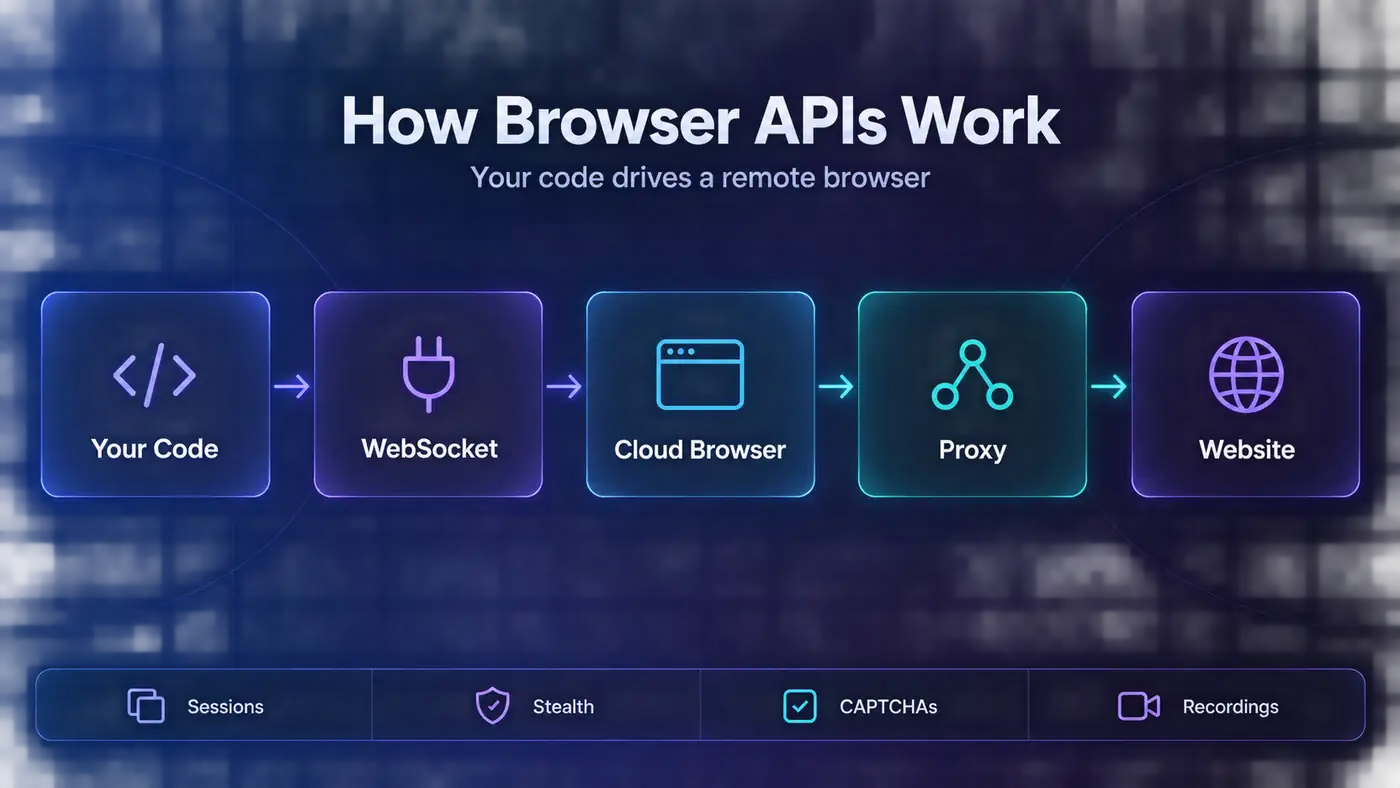
That part is a commodity now. What you’re really comparing is four things: how the vendor hides automation, how it keeps sessions and logins alive, what it charges for proxy traffic, and how it bills time.
The framework matters less than you’d think. Most platforms accept both, and our Playwright vs Puppeteer comparison covers the trade-offs.
Four Kinds of Browser APIs
The vendors on this list fall into four camps, and the camp matters more than the logo.
| Type | What You Get | Best For | The Catch | Examples |
|---|---|---|---|---|
| Agent-first cloud browsers | Sessions, live view, saved logins, MCP servers | AI agents and logged-in workflows | Strong stealth often costs extra | Browserbase, Kernel, Steel, Browser Use, Hyperbrowser |
| Unblocking browsers | Residential proxies and CAPTCHA solving built in, billed per GB | Scraping protected sites | Heavy pages get expensive | Bright Data, Oxylabs, NodeMaven |
| Rendering APIs | One request in, HTML, a screenshot or a PDF out | Screenshots, PDFs and simple rendering | Little or no stealth | Cloudflare Browser Run, Browserless REST |
| Open source | Containers you run on your own servers | High, steady volume and strict data rules | You own crashes, upgrades and detection | Steel, Browserless, Lightpanda |
One question settles most of it: do you need to control a browser, or just get a rendered page back? If it’s the second, a scraping API is usually cheaper. Our roundup of the best web scraping APIs covers those.
How We Picked These Browser APIs
Each pick had to clear five bars:
CDP access for Playwright or Puppeteer, or a documented REST alternative.
Published prices we could turn into a cost per browser-hour and per GB of proxy traffic.
Anti-bot and session features described in current docs, not just on marketing pages.
Active development in 2026, judged by changelogs and pricing updates.
A clear story for at least one job: agents, protected scraping, rendering or self-hosting.
We also ran our own check of what stock headless Chrome reveals to every website. The results are in the detection section below.
The 10 Best Headless Browser APIs in 2026
Ranked for most teams. Agent builders and scrapers want different things, so each entry says who it suits.
1Browserbase
 (opens in a new tab)
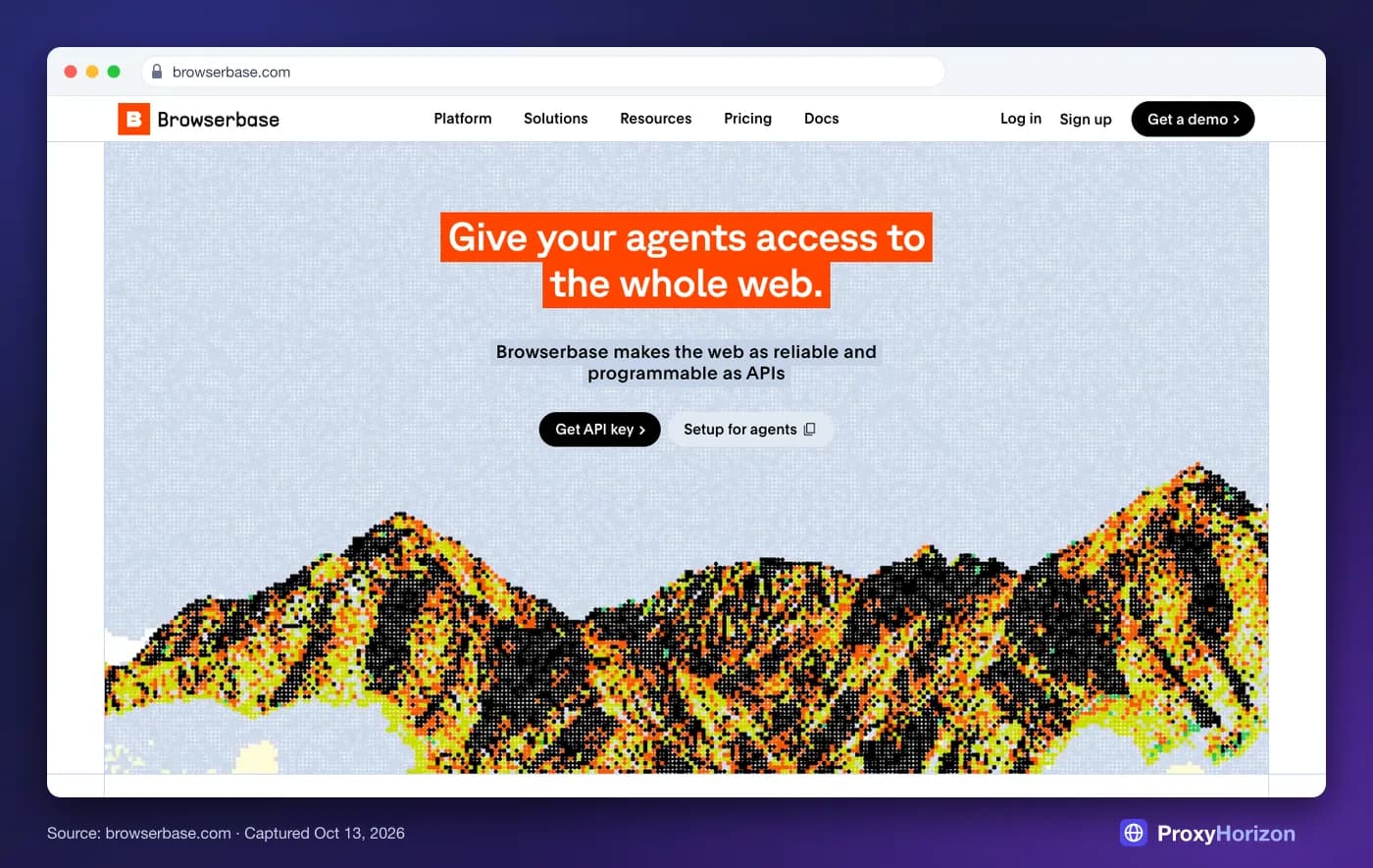
Best for: AI agents and teams that want the most complete platform. Browserbase runs managed Chromium with live view, session replay, saved contexts and four regions, plus Stagehand, its open-source agent SDK, and an MCP server.
The Developer plan costs $20 a month for 100 browser-hours and 25 concurrent sessions, then $0.12 an hour. Startup costs $99 for 500 hours and 100 sessions. CAPTCHA solving is included on paid plans, and proxy traffic costs $10 to $12 per GB.
Watch out for: the one-minute and one-MB minimum per session, which turns thousands of five-second jobs into thousands of billed minutes. Its strongest stealth, a purpose-built “Verified” browser, is only on the custom Scale plan.
2Bright Data

Best for: scraping sites with serious bot protection. Bright Data’s Browser API, formerly Scraping Browser, is a remote Chrome with residential proxies, fingerprint handling and CAPTCHA solving built in. You drive it with Puppeteer, Playwright or Selenium.
Billing is per GB only: $8 per GB on pay-as-you-go, or $499 a month for 71 GB on the Scale plan, with unlimited concurrency on both. The free tier includes 1 GB a month.
Watch out for: heavy pages. You pay for every byte, so a median 2.86 MB desktop home page costs about 2.3 cents to load. Block images, fonts and video you don’t need.
3Browserless
 (opens in a new tab)
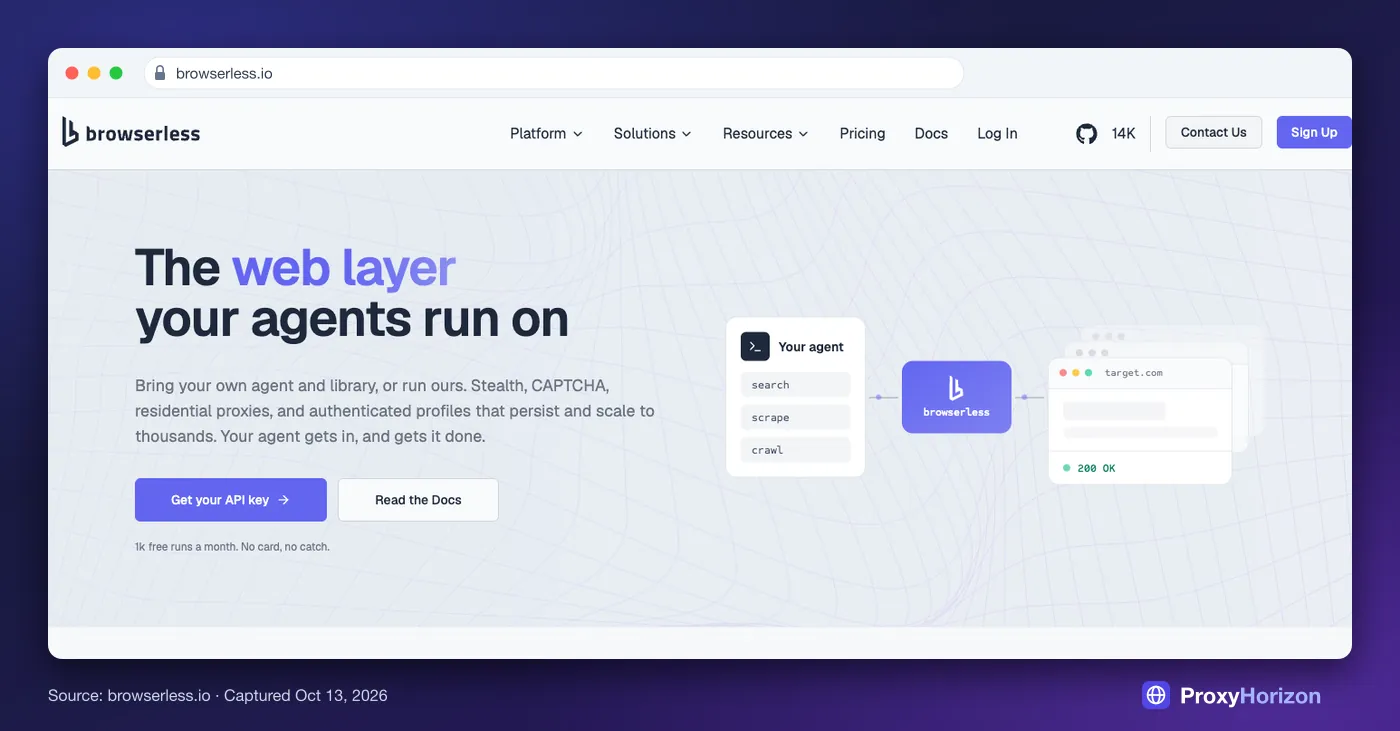
Best for: teams with existing Puppeteer, Playwright or Selenium code, and anyone who wants a self-hosting path. Browserless runs Chrome, Firefox and WebKit, with REST endpoints for content, screenshots and PDFs, plus BrowserQL for stealthier automation.
It bills in units of up to 30 seconds per browser connection. Plans run from $25 a month for 20,000 units to $350 for 500,000, billed annually, with overage of $0.0015 to $0.002 per unit. That’s $0.18 to $0.24 per browser-hour.
Watch out for: reconnects, which start a fresh unit, and residential proxy traffic at six units per MB. The open-source image is licensed under SSPL or a commercial licence, so check the terms before you ship it inside a product.
4Kernel
 (opens in a new tab)
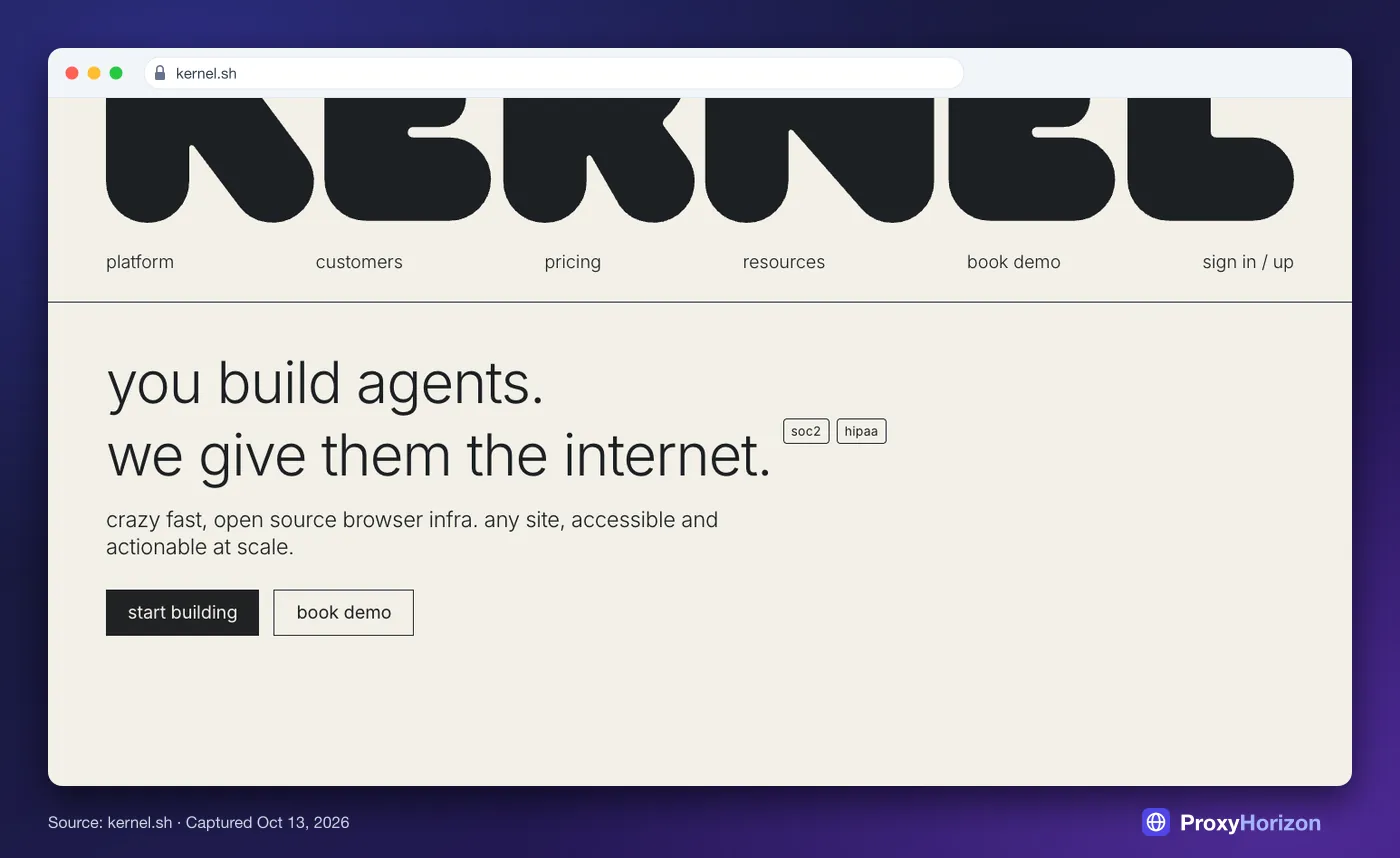
Best for: agents on a budget, especially ones that need to stay logged in. Kernel bills by memory over time, which works out to about $0.06 an hour for a headless browser, and it doesn’t charge for idle time or proxies.
Plans start free with $5 of monthly credit and 5 concurrent browsers. Hobbyist costs $30 a month with $10 of credit and 10 browsers. Managed logins, live view, replays and Web Bot Auth support make it agent-friendly.
Watch out for: the default. Headful browsers, which live view and replays need, cost about $0.48 an hour, eight times the headless rate.
5Steel
 (opens in a new tab)
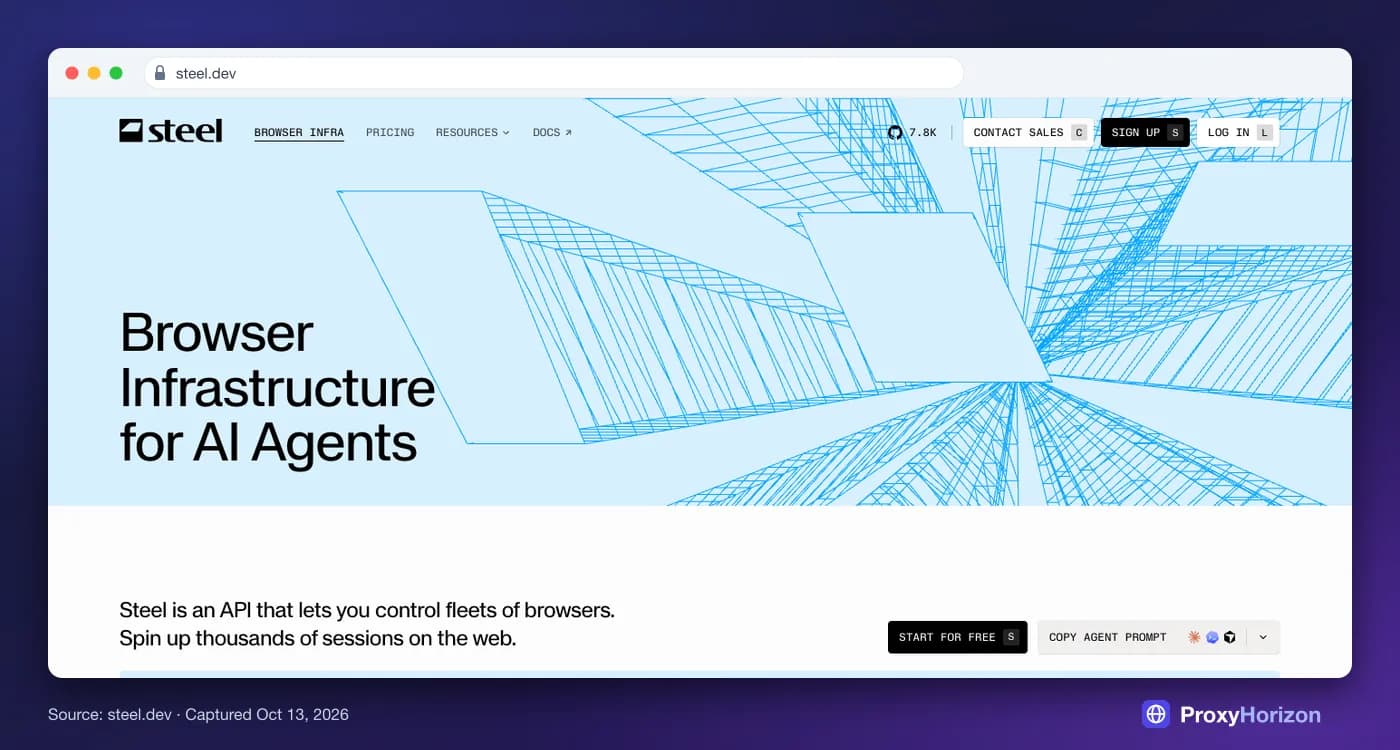
Best for: teams that want open-source infrastructure with a hosted option. Steel’s browser is open source under Apache-2.0, so you can run it yourself with Docker or use Steel’s cloud.
The cloud is pure usage on the Launch plan: $0.10 per browser-hour, $10 per GB of proxy traffic and $3 per 1,000 CAPTCHA solves, after a one-time $30 credit. The $250-a-month Scale plan drops those to $0.08, $6 and $1.
Watch out for: session caps of 15 minutes on Launch and one hour on Scale. Its dedicated stealth browser is reserved for Enterprise.
6Browser Use
 (opens in a new tab)
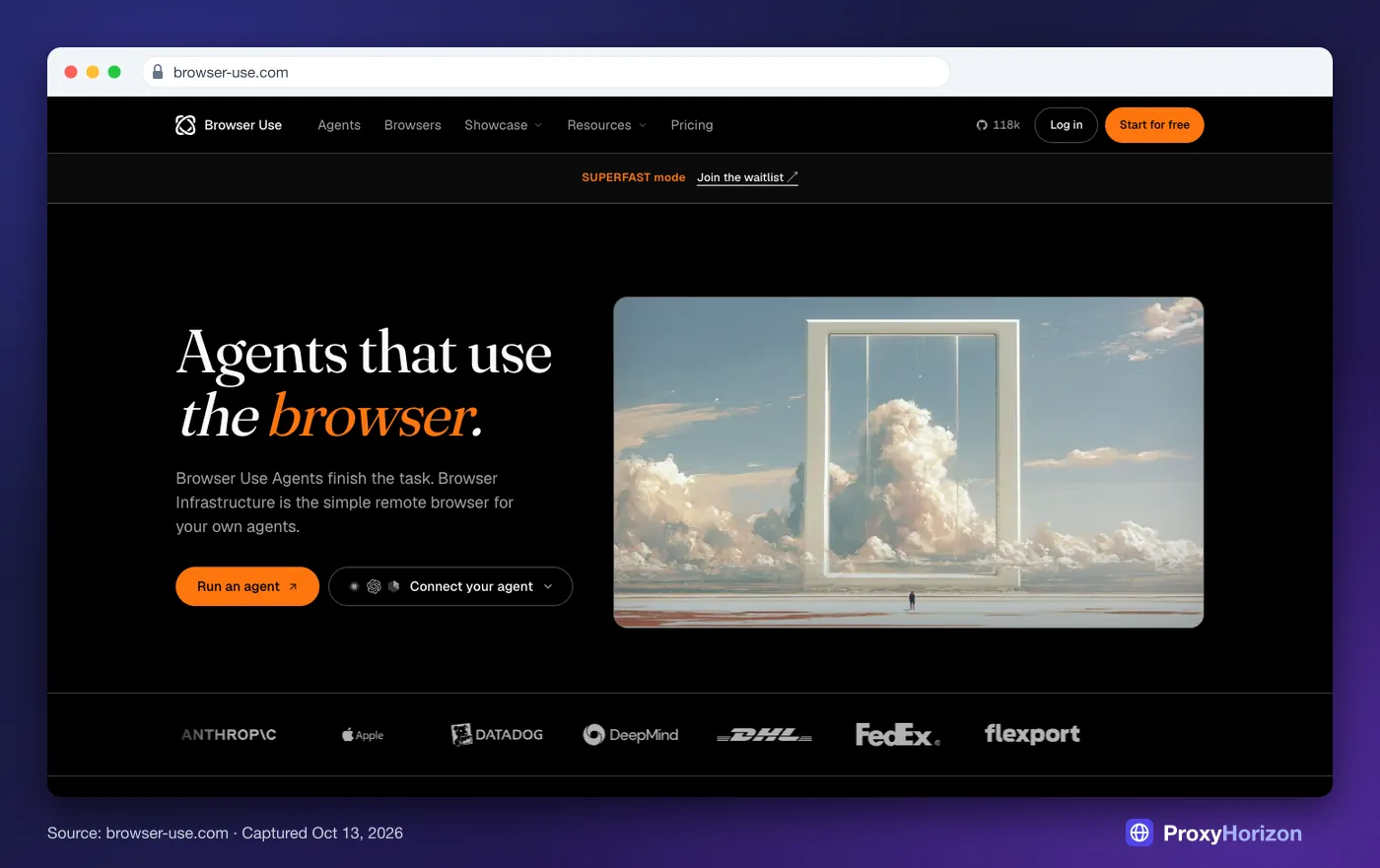
Best for: the lowest browser price, and anyone already using the open-source browser-use agent library. Browser Use Cloud gives you stealth Chromium sessions you can drive over CDP, plus hosted agents.
Browsers cost $0.02 an hour, rounded up to whole minutes with a one-minute minimum. Residential proxies cost $5 per GB and are on by default, and direct traffic costs $0.20 per GB. New accounts get $1 of credit.
Watch out for: that default proxy. At these prices, bandwidth will be most of your bill. Selenium isn’t supported, and concurrency starts at 10 sessions until your spend grows.
7Hyperbrowser
 (opens in a new tab)
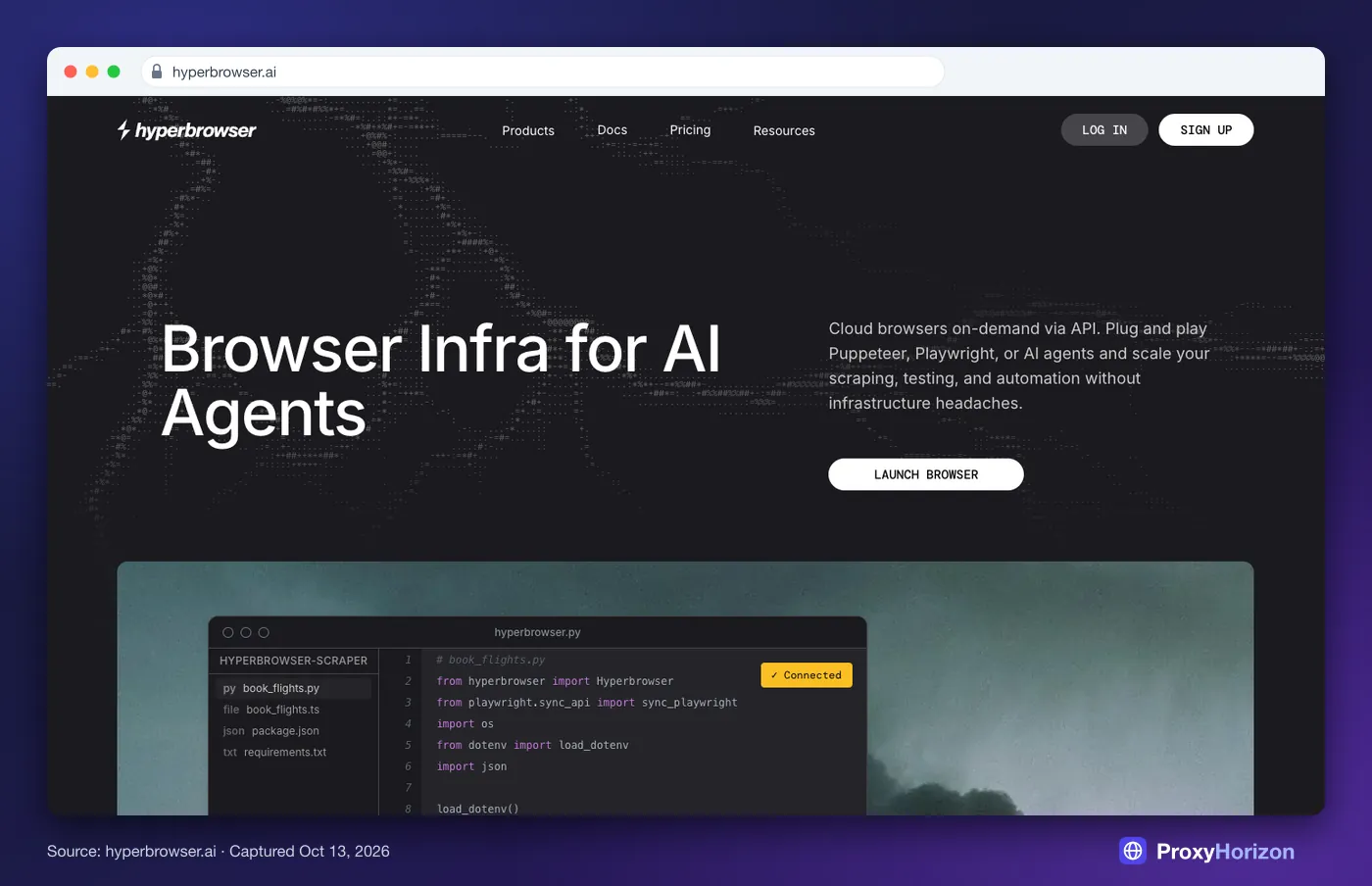
Best for: teams that want cloud browsers and ready-made agents in one place. Hyperbrowser offers CDP sessions for Playwright and Puppeteer, plus scrape, crawl and extract endpoints and hosted computer-use agents.
Pricing is credit-based: $0.10 per browser-hour and $10 per GB of proxy traffic. A plain page scrape costs a tenth of a cent, and each agent step costs two cents.
Watch out for: the fine print. Per-plan concurrency limits aren’t in its docs, and CAPTCHA solving needs a paid plan, so confirm both before you commit.
8Oxylabs

Best for: scraping at volume from a provider you may already use for proxies. Oxylabs’ Agent Browser, previously its Unblocking Browser, is a remote headless browser with residential IPs and CAPTCHA handling, driven through Playwright or Puppeteer.
It bills per GB, starting at $8 and falling to $5.50 per GB on the $500 plan, which covers up to 90 GB. At 625 GB or more the rate drops to $4. New accounts get a $5 credit.
Watch out for: outdated tutorials. The product has been renamed twice, so make sure code samples match the current docs.
9NodeMaven
Best for: the cheapest managed unblocking. NodeMaven’s Scraping Browser has no separate usage fee. You pay only for the rotating proxy traffic it uses, and CAPTCHA solving carries no extra charge.
NodeMaven’s residential traffic starts at $2.20 per GB, and a $3.50 trial includes 750 MB. The browser works with Playwright, Puppeteer and plain JavaScript.
Watch out for: limits. Each account gets up to 50 active sessions and 10 reusable profiles, and sessions end after 30 minutes. It suits scraping runs, not long agent sessions.
10Cloudflare Browser Run
 (opens in a new tab)
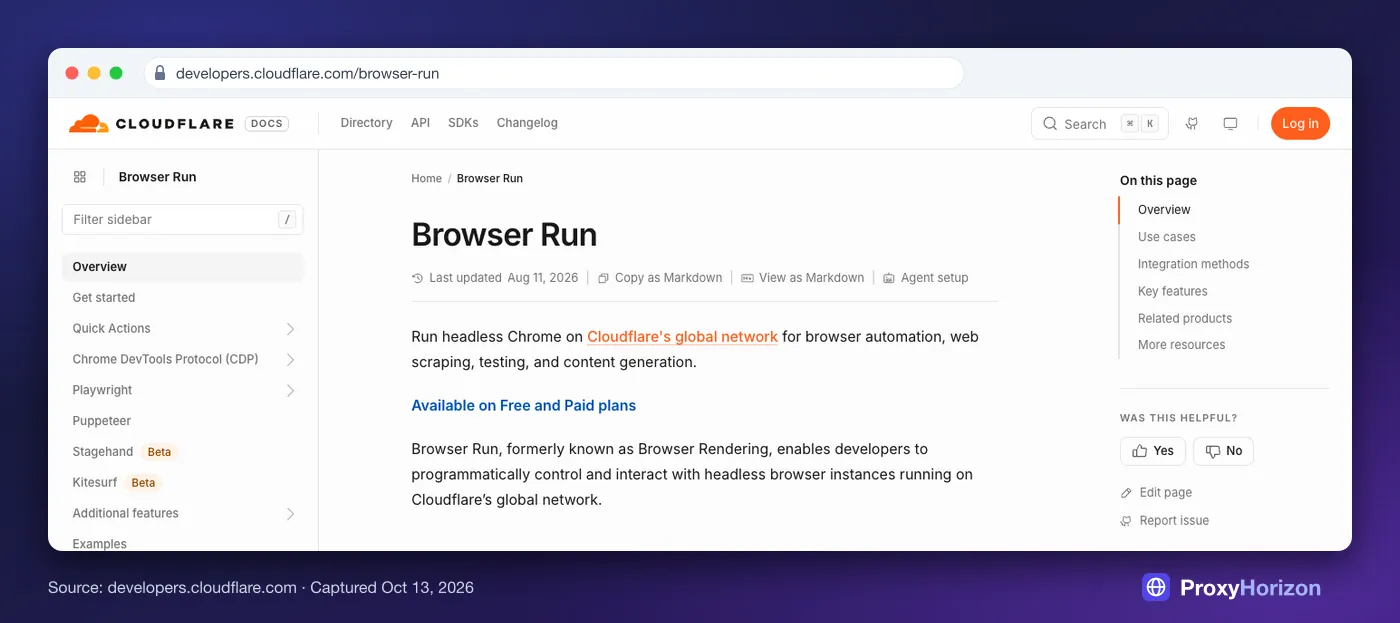
Best for: cheap, serverless rendering of sites that don’t block bots. Browser Run, formerly Browser Rendering, runs headless Chrome on Cloudflare’s network, with REST endpoints for screenshots, PDFs and Markdown, plus Playwright and Puppeteer access.
The Workers Paid plan, from $5 a month, includes 10 browser-hours and then charges $0.09 an hour. Ten concurrent browsers are included, and each extra one costs $2, based on daily peaks.
Watch out for: it doesn’t try to hide. Cloudflare says Browser Run traffic is always identified as a bot, you can’t rotate IPs, and every request carries signed headers you can’t remove.
Also worth a look: Anchor Browser for enterprise logins, ZenRows and Scrapeless for budget unblocking, Lightpanda for very light crawling, and AWS AgentCore Browser if your stack already lives on AWS.
What 1,000 Browser-Hours Really Cost
Browser-hour prices look close. Proxy prices don’t. Here’s one month with 1,000 browser-hours, first with no proxy, then with 50 GB of residential proxy traffic added.
| Platform | 1,000 Hours, No Proxy | With 50 GB Residential | How It Bills |
|---|---|---|---|
| Browserbase | $128 (Developer) | $599 (Startup) | Per minute, one-minute minimum |
| Bright Data | Not applicable | $400 | Per GB, proxies always on |
| Browserless | $140 (Starter, annual) | $350 (Scale, annual) | 30-second units |
| Kernel | $55 headless, $475 headful | Proxies not billed | Memory per second |
| Steel | $100 | $530 (Scale) | Per hour plus per GB |
| Browser Use | $20 plus $0.20 per GB | $270 | Per minute, one-minute minimum |
| Hyperbrowser | $100 | $600 | Credits |
| Oxylabs | Not applicable | $500 (up to 90 GB) | Per GB, proxies always on |
| NodeMaven | Not applicable | From $110 | Proxy traffic only |
| Cloudflare Browser Run | $94.10 | No proxy option | Per hour plus concurrency |
We used list prices on monthly billing unless noted, the cheapest plan that fits, and ignored one-time signup credits. Your real bill will move with concurrency and session length.
Two patterns jump out. First, proxy traffic dwarfs browser time almost everywhere. Steel charges $0.10 for an hour of browser but $10 for a GB of proxy traffic.
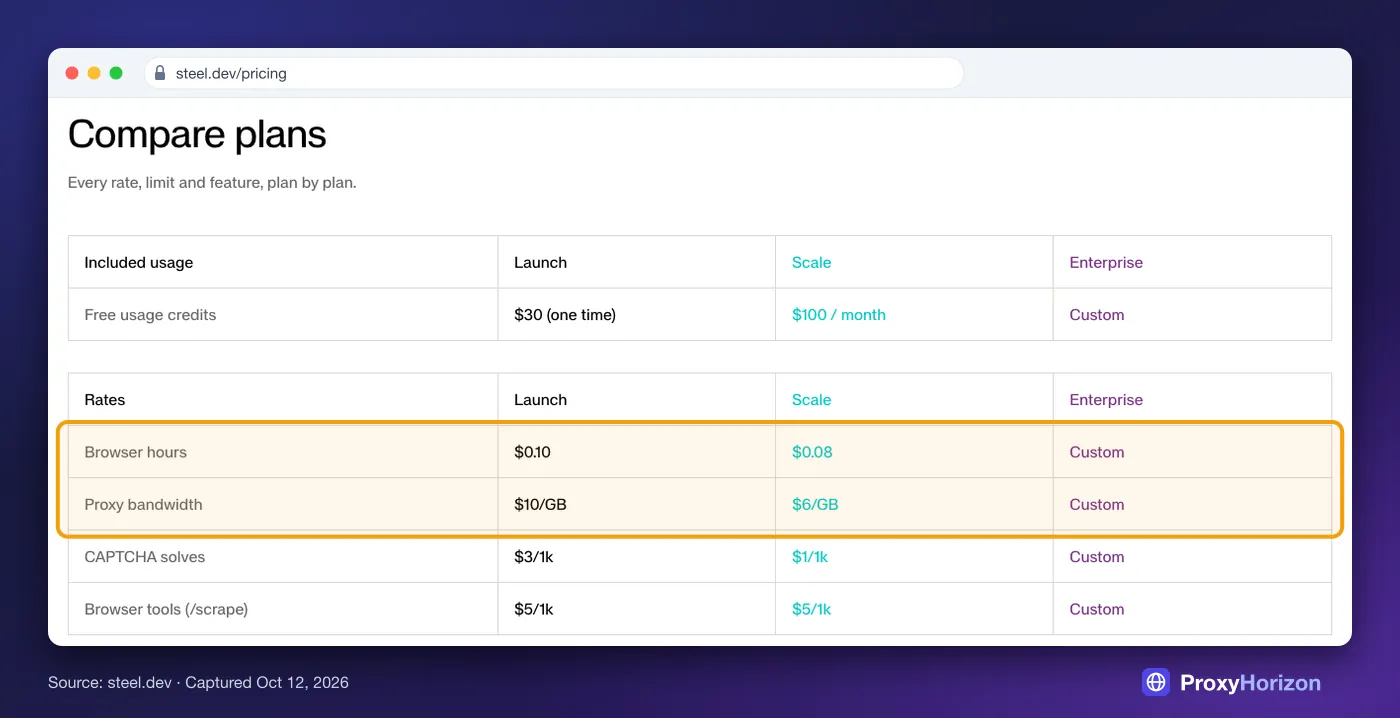
The median desktop home page weighed 2.86 MB in 2025, according to the HTTP Archive. Load 50 of those an hour through a $10 proxy and the bandwidth costs about 14 times more than the browser.
Second, billing units decide the cost of short jobs. A 10-second task is billed as a full minute on Browserbase or Browser Use, and as a 30-second unit on Browserless, where every reconnect starts a new unit.
Our take: batch short tasks into longer sessions, and block assets you don’t need. Those two habits cut most bills more than switching vendors does.
How Websites Still Spot Cloud Browsers
No plan makes automation invisible. On October 12, 2026, we launched Chrome 154 in headless mode through Playwright 1.64 and checked what any page could read:
The user agent said
HeadlessChrome/154, not Chrome.navigator.webdriverreturned true, and it stayed true when we ran the same browser with a visible window.
Playwright’s default sits even further from the real thing. Its docs say headless runs use a separate “headless shell” build unless you opt into the real Chrome with the chromium channel.
Managed browsers patch tells like these, and that’s half of what you pay for. But detection has moved on to behaviour and browser fingerprinting.
When V8 changes in May 2025 broke a popular trick for spotting the DevTools protocol, bot-detection firm Castle said it leans on mouse movement, environment checks, network signals and traffic patterns instead.
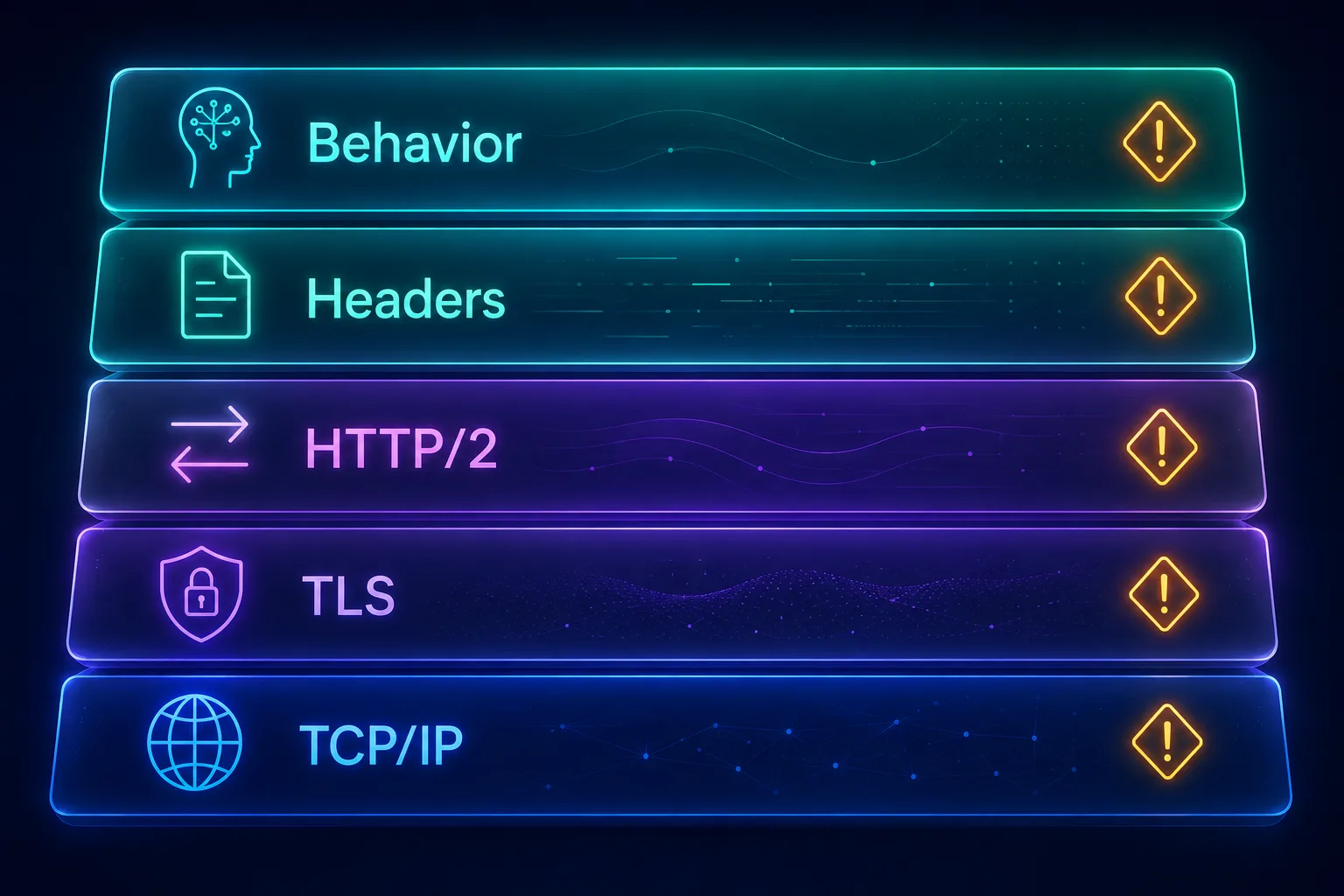
Our guide to how anti-bot systems detect automated browsers walks through each layer in detail.
Signed Agents: The Honest Alternative to Stealth
There’s a second path for AI agents: stop hiding and identify yourself. Web Bot Auth lets an agent sign its requests cryptographically, so a site can tell a verified agent from a scraper pretending to be human.
It matters more after Cloudflare’s July 2026 announcement. From September 15, new domains block agent traffic by default on pages with ads, and Cloudflare’s examples of agents include Gemini or Claude driving Chrome.
Support is still patchy. Cloudflare Browser Run signs every request automatically. Browserbase offers Web Bot Auth as a beta on request, and Kernel and Anchor advertise support too.
Our take: if your agent acts for real users on sites that welcome it, signed identity beats an arms race you’ll eventually lose. Our explainer on how AI agents use headless browsers covers the rest of the agent stack.
Build or Buy: When Self-Hosting Chrome Makes Sense
Running Chrome yourself looks cheap on paper. A 4-vCPU, 16 GB AWS server costs about $0.19 an hour, and Lightpanda’s published benchmark measured Chrome peaking around 400 MB for a single-page task.
Memory alone would fit dozens of browsers on that box, at well under a cent per browser-hour. In practice, CPU spikes, crashes and zombie processes cut that density, which is why Playwright’s Docker guide tells you to add an init process and more shared memory.
The real cost is people. Someone has to patch Chrome, manage proxies, fight detection and wake up when a browser pool hangs. Proxies and CAPTCHAs cost the same whether you build or buy.
Self-Hosting Headless Chrome
- Lowest raw cost per browser-hour
- Full control over data and regions
- No vendor lock-in
- Open-source options from Steel, Browserless and Lightpanda
- You own crashes, upgrades and patching
- Detection fixes are your problem
- Proxy and CAPTCHA costs don’t shrink
- Licences vary from Apache-2.0 to SSPL and AGPL
Verdict
Self-host for steady, high volume on friendly sites. Buy for protected sites and small teams.
Lightpanda is the wildcard. It’s a lightweight, non-Chrome engine under AGPL-3.0 that reached version 1.0 in October 2026. It’s fast for crawling, but it isn’t Chrome, so test your targets first.
Which Browser API Fits Your Job
| Your Job | Start With | Why |
|---|---|---|
| AI agents that log in | Browserbase or Kernel | Saved sessions, live view and managed logins |
| Scraping protected sites | Bright Data or Oxylabs | Proxies, unblocking and CAPTCHAs in one per-GB price |
| Cheapest scraping at volume | NodeMaven | No browser fee, proxy traffic only |
| Screenshots and PDFs | Cloudflare Browser Run | REST endpoints for pennies an hour |
| Existing test suites | Browserless | Drop-in support for Puppeteer, Playwright and Selenium |
| Lowest hourly price | Browser Use or Kernel | $0.02 and about $0.06 an hour |
| Open source and self-hosting | Steel | Apache-2.0 with a hosted option |
How to Choose a Headless Browser API
1Do You Need a Browser at All?
If you only need the HTML after JavaScript runs, a scraping API with rendering is simpler and often cheaper. Use a browser API when you need to click, type, log in or keep a session alive.
Our Firecrawl vs Playwright comparison shows where that line sits.
2How Protected Are Your Target Sites?
Friendly sites and your own apps run fine on Cloudflare or a basic plan. Sites behind serious bot protection need built-in unblocking, residential proxies and CAPTCHA solving. That’s where Bright Data, Oxylabs and NodeMaven earn their per-GB prices.
3How Long Do Your Sessions Run?
Short tasks punish per-minute minimums. Long agent sessions hit session caps: 15 minutes on Steel’s Launch plan, 30 minutes on NodeMaven and six hours on Browserbase’s paid plans.
4Where Must Your Data Live?
Regulated teams should check regions and paperwork early. Browserbase lists four regions, including Frankfurt, and offers HIPAA agreements on its custom plan. Browser Use runs an EU deployment in Frankfurt.
Mistakes That Inflate Your Browser Bill
1Loading Every Image, Font and Video
Bandwidth is billed per GB on most plans, and media is most of a page’s weight. Block it with request interception unless you need screenshots.
2Opening a New Session for Every Task
Per-session minimums turn thousands of tiny jobs into thousands of billed minutes. Reuse sessions or contexts, and batch tasks together.
3Leaving Sessions Running
A browser left open after a crash keeps billing on most platforms. Set timeouts and close sessions in a finally block. Kernel, which stops billing idle browsers after five seconds, is the exception.
4Paying for Stealth on Friendly Sites
Your staging app or a public docs site doesn’t need residential proxies. Turn them off where you can. Browser Use, for one, enables them by default.
5Believing Any Plan Makes You Invisible
Detection now leans on behaviour, so even a perfect fingerprint can fail. Test on your real targets with a small plan before you commit volume.
Frequently Asked Questions
Choose by the Bill, Not the Feature List
Every platform here runs a good Chrome. The difference is what it costs once proxies, minimums and session caps meet your real workload.
For agents, start with Browserbase or Kernel. For protected scraping, start with Bright Data or NodeMaven. For screenshots and PDFs, Cloudflare Browser Run will cost you pennies.
Then run a week of real traffic on a small plan and read the invoice line by line. If proxies are most of the bill, compare providers in our proxy directory before you scale.