Best Browsers for Private Browsing 2026
The best browsers for private browsing compared — Brave, Firefox, Tor, Mullvad, DuckDuckGo and LibreWolf. What each blocks, and why your browser matters more than incognito.
Let us clear up the confusion that keeps millions of people less private than they think: clicking "New Incognito Window" does almost nothing for your privacy. Private browsing the button only hides your history from the person next to you. The browser you actually use is what decides whether the whole internet gets to watch you — and most people are watching through Chrome, one of the worst choices for privacy.
That is the real lever. Switching to a genuinely private browser is the single easiest, highest-impact privacy upgrade you can make, and it costs nothing. According to privacy resources like Privacy Guides, the browser you choose determines how many trackers reach you and how identifiable your device is — far more than any incognito toggle.
So this guide ranks the best browsers for private browsing, what each is genuinely best for, and how to pick. We will also be honest about what a private browser cannot do on its own. New to the topic? Our explainer on how websites track you sets the stage.
The Quick Answer
Our take: for most people, Brave is the best private browser — it blocks ads and trackers by default, is fast, and needs no setup. Firefox is the best mainstream choice if you prefer Mozilla's ecosystem and customization. For maximum anonymity, nothing beats the Tor Browser. Whichever you pick, remember: a private browser stops tracking, but only Tor (or a VPN) hides your IP address.
Private Browsing vs a Private Browser
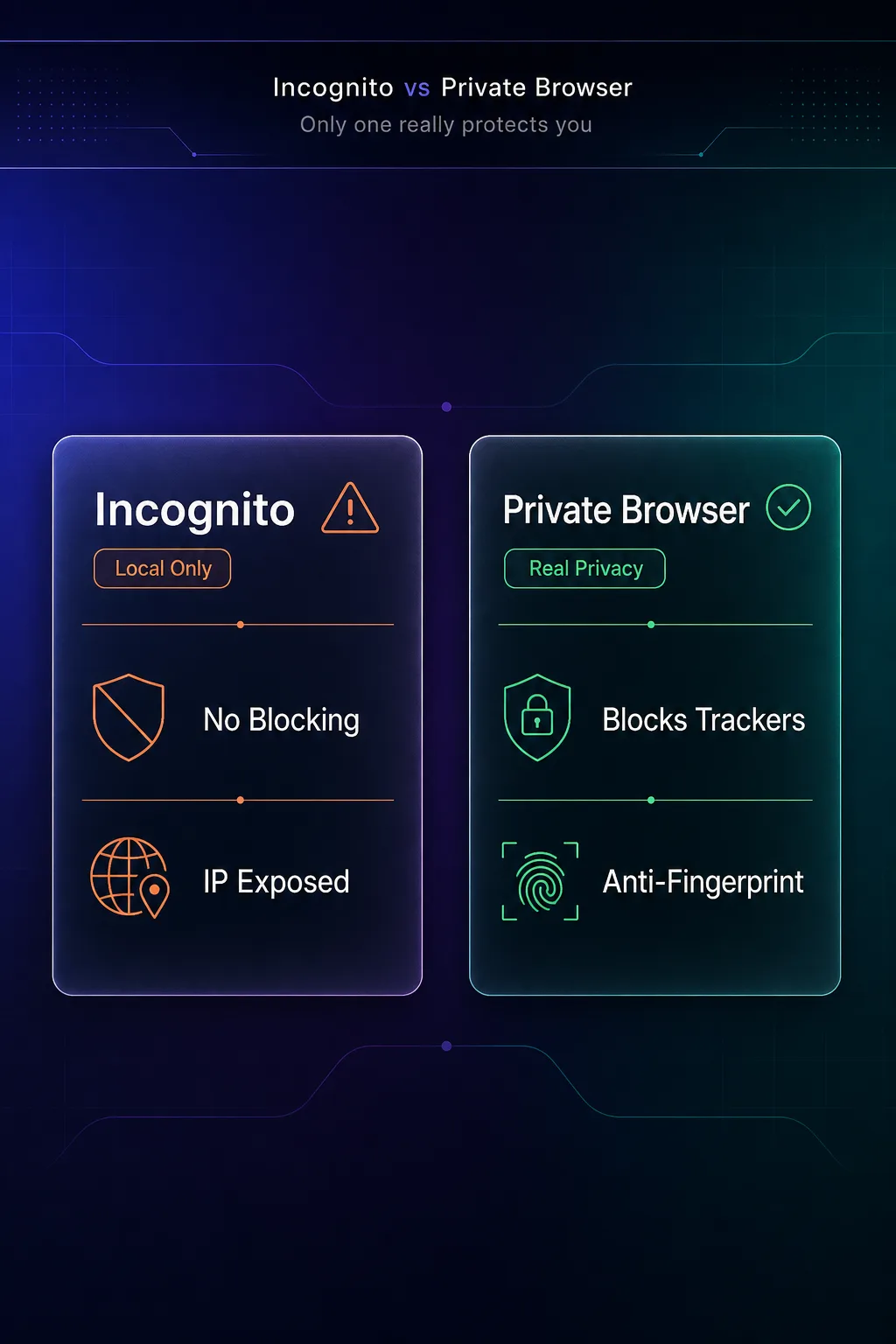
This distinction is the whole point, so let us nail it. "Private browsing" (Incognito in Chrome, Private Window in Firefox) is a mode that only stops your browser from saving local history and cookies. A "private browser" is a browser built from the ground up to actually protect you from tracking.
| Capability | Incognito Mode | A Private Browser |
|---|---|---|
| Blocks trackers | No | Yes |
| Resists fingerprinting | No | Yes (varies) |
| Hides your IP | No | Only Tor |
| Clears local history | Yes | Optional |
| Real privacy gain | Minimal | Significant |
The takeaway is blunt: incognito is local privacy theater, while the right browser is real protection. For the full breakdown, see VPN vs incognito mode.
What Makes a Browser Private?
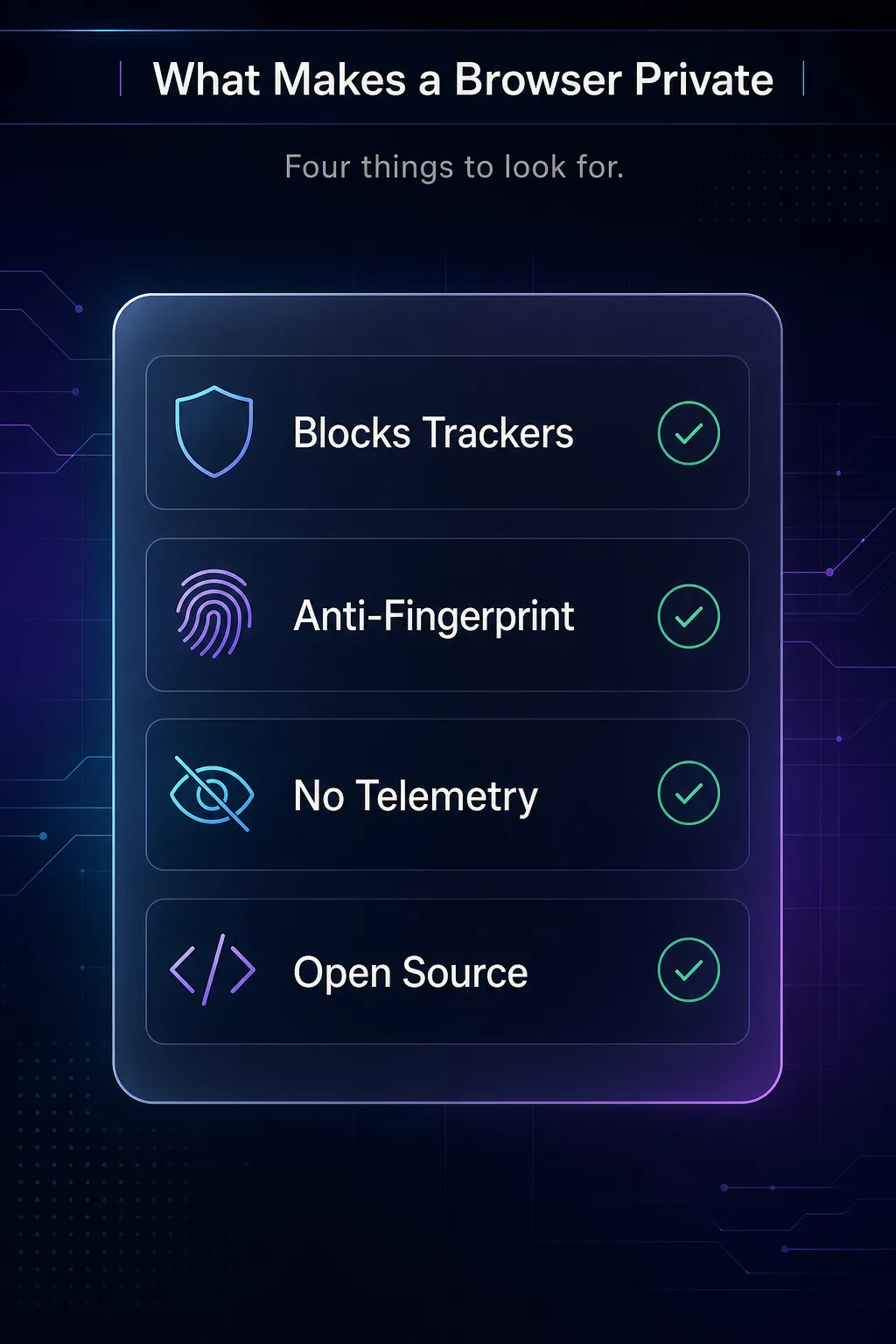
Not every browser that claims "privacy" delivers it. The ones worth using share a few concrete traits: they block trackers and ads by default, they resist browser fingerprinting, they send little or no telemetry back to the vendor, and they are ideally open source so their claims can be audited. Judge any private browser against those four points, and the marketing sorts itself out fast.
The 6 Best Browsers for Private Browsing
Six browsers that genuinely protect you, ranked by how well they balance privacy with everyday usability. Every one is free.
1Brave
Brave is our best all-round pick and the easiest upgrade for most people. Built on Chromium, it feels exactly like Chrome but blocks ads, trackers, and fingerprinting attempts out of the box — no extensions, no configuration. It is fast, supports all Chrome extensions, and even includes an optional Tor window for sensitive sessions.
The one caveat: Brave has its own opt-in ad and crypto features you can ignore or disable. For a private browser that just works with zero learning curve, nothing beats it. It is the browser we recommend to anyone switching away from Chrome.
2Mozilla Firefox
Firefox is the best mainstream private browser and the most important one, because it runs on its own independent engine rather than Google's Chromium. Its Enhanced Tracking Protection blocks trackers by default, and it is endlessly customizable for privacy through settings and extensions.
It takes a little tuning to reach its full potential, but no browser offers a better balance of privacy, compatibility, and a non-Google foundation. Choosing Firefox also supports browser diversity on the web. See how it compares in our Chrome vs Firefox privacy guide.
3Tor Browser
The Tor Browser is the gold standard for anonymity, full stop. It routes your traffic through the Tor network's volunteer relays, hiding your IP address, and standardizes every user's fingerprint so you blend into the crowd. No other browser here hides your IP by default.
The trade-off is speed: Tor is noticeably slower and some sites block it. It is overkill for casual browsing but unmatched when anonymity genuinely matters. Think of it as the maximum-privacy option you reach for deliberately, not your daily driver.
4Mullvad Browser
Mullvad Browser is the anti-fingerprinting specialist, built by the Mullvad VPN team together with the Tor Project. It is essentially the Tor Browser without the Tor network — so you get Tor's excellent fingerprint resistance and hardened defaults, but at normal browsing speed.
It is designed to be paired with a VPN, making it a superb choice for privacy enthusiasts who want strong anti-tracking without Tor's slowdown. If fingerprinting is your main worry, this is the browser to beat.
5DuckDuckGo
The DuckDuckGo browser is the best simple, no-fuss option, especially on mobile. From the company behind the private search engine, it blocks trackers automatically, forces encryption where possible, and includes a one-tap "Fire Button" that instantly clears your data.
It is less configurable than Firefox and aimed at everyday users rather than power users, but that simplicity is the appeal. For a phone browser that protects you without any setup, it is an excellent default.
6LibreWolf
LibreWolf is the choice for privacy purists who want Firefox turned up to eleven. It is a community fork of Firefox with all telemetry removed and privacy settings hardened by default — no tuning required to get a locked-down configuration.
It is aimed at more technical users and does not sync with a Mozilla account, but if you want the most private Firefox experience out of the box, LibreWolf delivers exactly that. It is open source and independently maintained.
Private Browser Comparison
The quick side-by-side to match a browser to your needs.
| Browser | Best for | Based on | Blocks trackers by default |
|---|---|---|---|
| Brave | Best all-round | Chromium | Yes |
| Firefox | Best mainstream | Gecko (independent) | Yes |
| Tor Browser | Maximum anonymity | Firefox | Yes |
| Mullvad Browser | Anti-fingerprinting | Firefox | Yes |
| DuckDuckGo | Simple & mobile | System engine | Yes |
| LibreWolf | Hardened Firefox | Firefox | Yes |
How to Choose the Right Private Browser
Six good options, one right fit. These questions decide it fast.
1Do you want zero setup?
If you want strong privacy with no configuration, pick Brave or DuckDuckGo — both protect you the moment you install them. Firefox and LibreWolf reward a little tuning but ask slightly more of you.
2Do you need anonymity or just anti-tracking?
To actually hide who and where you are, use Tor. To simply stop ads and trackers while browsing normally, Brave, Firefox, or Mullvad Browser are faster and more practical.
3How technical are you?
Everyday users are happiest on Brave, Firefox, or DuckDuckGo. Privacy enthusiasts who want hardened defaults will prefer Mullvad Browser or LibreWolf.
Do Private Browsers Hide Your IP Address?
Here is the honest limit every browser guide should state plainly: with one exception, private browsers do not hide your IP address. Brave, Firefox, DuckDuckGo, Mullvad Browser, and LibreWolf all block trackers and resist fingerprinting brilliantly — but the websites you visit still see your real IP. Only the Tor Browser hides it by default.
That is why privacy is layered. A private browser handles trackers and fingerprinting; a VPN handles your IP and encrypts your traffic. Use both and you cover both fronts. If you want to add the IP layer, compare options in our VPN directory, and read can websites see your IP address for the full picture.
Common Mistakes to Avoid
The errors that leave people less private than they assume.
1Relying on incognito mode
Private browsing mode does not block trackers or hide your IP — it only clears local history. Treating it as real privacy is the most common mistake of all. The browser choice matters far more than the mode.
2Staying on Chrome for privacy
Chrome is built by an advertising company and is one of the least private mainstream browsers. Adding a few extensions helps, but switching to a private browser is a far bigger upgrade than trying to harden Chrome.
3Piling on too many extensions
Ironically, loading dozens of privacy extensions can make your browser more unique and easier to fingerprint. A purpose-built private browser needs few or no add-ons — see how fingerprinting works.
4Forgetting the IP layer
Even the best anti-tracking browser leaves your IP exposed (except Tor). If location privacy matters, pair your browser with a VPN rather than assuming the browser alone hides everything.
Tips for More Private Browsing
- Switch away from Chrome — the single biggest, easiest privacy win.
- Use a private search engine — pair your browser with DuckDuckGo or Brave Search.
- Reject non-essential cookies and clear data regularly.
- Add a VPN for the IP layer your browser cannot cover.
- Keep extensions minimal to avoid standing out to fingerprinting.
What About Chrome, Edge, and Safari?
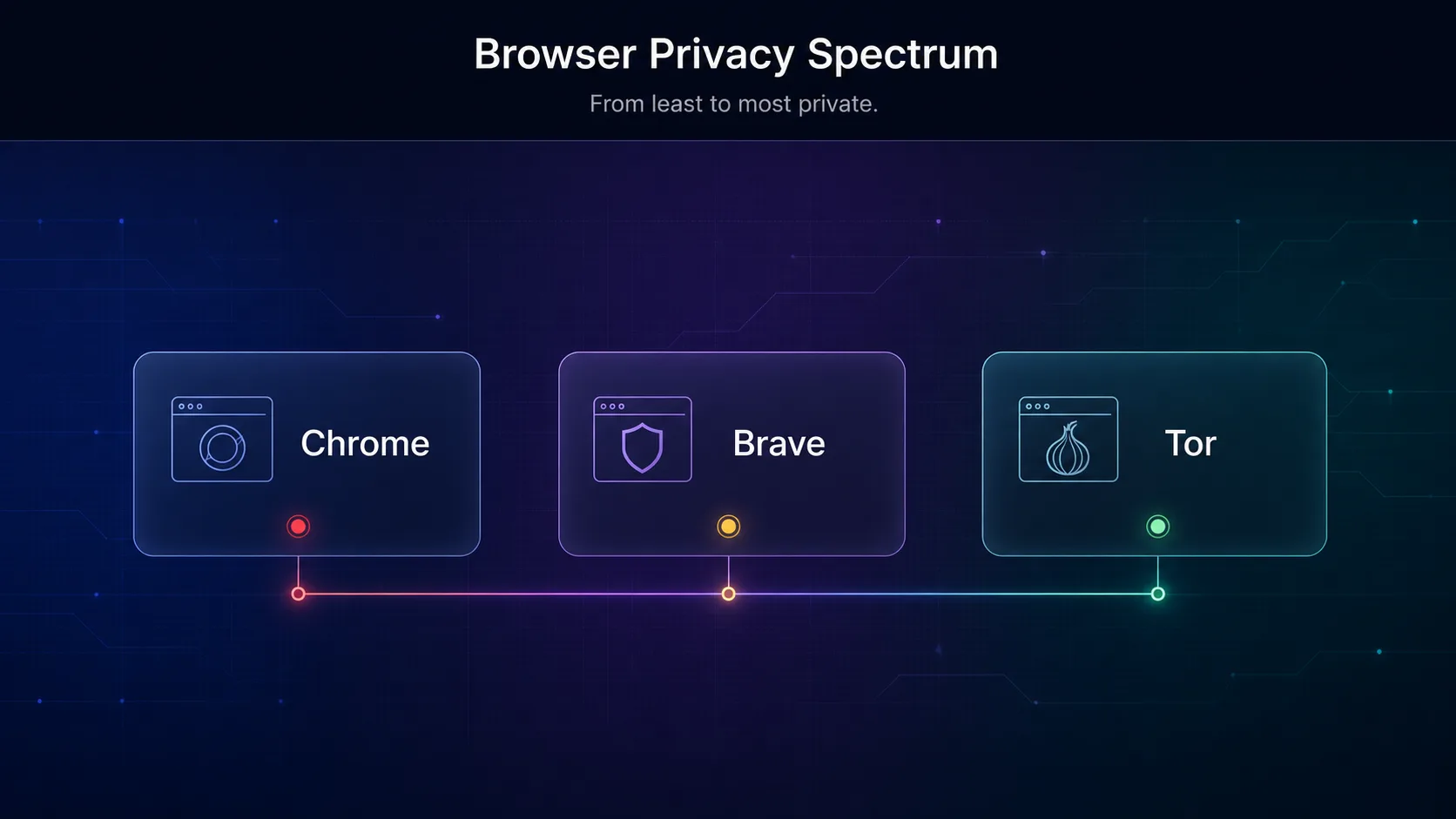
Since these are what most people already use, they deserve an honest ranking. Chrome is the least private of the mainstream browsers — it is made by Google, an advertising company, and is deeply tied into ad and data ecosystems. Edge is built on the same Chromium engine and adds Microsoft's own telemetry, so it is not much better by default.
Safari is the best of the mainstream defaults, with solid Intelligent Tracking Prevention and Apple's privacy focus, and it is a reasonable choice if you live in the Apple ecosystem. But none of the big three matches a purpose-built private browser. If you only remember one thing from this guide: moving off Chrome is the highest-impact privacy change you can make, and it takes two minutes.
The Complete Private Browsing Setup
A private browser is the foundation, but real privacy is a small stack. Combine these layers and you cover every angle without much effort.
Layer 1 — a private browser (Brave, Firefox, or Mullvad) blocks trackers and resists fingerprinting. Layer 2 — a private search engine like DuckDuckGo or Brave Search stops your searches being logged and profiled. Layer 3 — a VPN hides your IP and encrypts your traffic, the one thing the browser cannot do. Layer 4 — cookie hygiene, rejecting non-essential cookies and clearing data regularly, closes the last gap. Stack all four and you have gone from Chrome-with-incognito, which protects almost nothing, to a genuinely private setup — for free, aside from the VPN.
Private Browsers on Mobile
Do not forget your phone, where you probably browse most. The good news is that the best private browsers all have strong mobile apps. Brave and Firefox offer full-featured mobile versions with the same tracker blocking, and the DuckDuckGo app is arguably at its best on mobile thanks to its one-tap Fire Button and app tracking protection.
On iPhone, every browser is required to use Apple's WebKit engine under the hood, so the privacy differences come from each app's added protections rather than the engine. On Android you have more genuine choice. Either way, installing a private browser on your phone is just as important as on your laptop — arguably more so, given how much tracking happens through mobile apps.
Frequently Asked Questions
The Bottom Line
Real private browsing is not a button you click — it is a browser you choose. Incognito mode barely helps, but switching from Chrome to a genuinely private browser blocks trackers, resists fingerprinting, and instantly shrinks your digital footprint, all for free.
For most people, Brave is the easy winner; Firefox is the best independent mainstream choice; and Tor Browser is the tool for real anonymity. Whatever you pick, remember the honest limit: only Tor hides your IP, so pair the others with a VPN for full coverage — compare options in our VPN directory. To go deeper, read the best browsers for blocking trackers and our practical guide on how to stop websites tracking you. Authoritative browser recommendations are also maintained by Privacy Guides.