Can Websites See Your IP Address? 2026 Guide
Yes — every website sees your IP address. Learn exactly what it reveals (and what it doesn't), who else can see it, and the easiest ways to hide your IP.
Short answer: yes. Every website you visit can see your IP address — not through some sneaky exploit, but because that is literally how the internet works. Your IP is the return address on every request you send, and without it, the site would have nowhere to send the page back.
But "a website can see my IP" and "a website knows who I am" are two very different things, and most articles blur them into vague panic. The honest picture is more nuanced: your IP reveals your rough location and your ISP, not your name or street address — yet combined with cookies and browser fingerprinting, it becomes a powerful tracking anchor. Privacy watchdogs like the Electronic Frontier Foundation have long shown how these signals stack up.
So this guide explains exactly what your IP reveals, who can see it, whether that is actually dangerous, and — the part you came for — how to hide it. If you want the underlying concept first, our explainer on what an IP address is is a good primer.
The Quick Answer
Our take: yes, every website sees your IP address automatically — it is required for the connection. From it, a site can infer your approximate location (usually city-level), your internet provider, and your connection type, but not your name or exact home address. To hide your IP from websites, the simplest and most effective tool is a VPN, which replaces your real IP with the server's.
How Do Websites See Your IP Address?
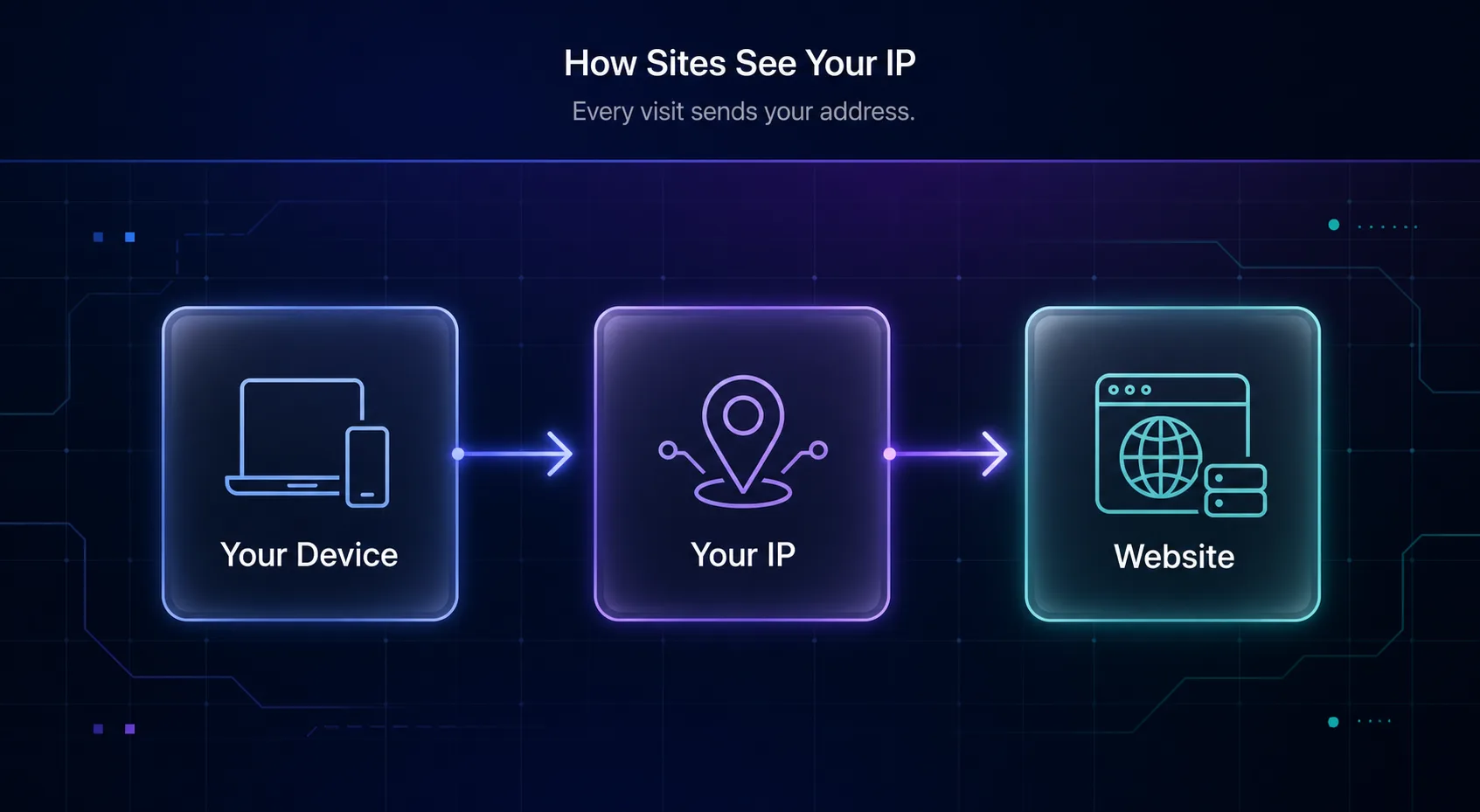
When you visit a website, your device opens a connection to the site's server and sends a request. That request has to include your IP address so the server knows where to send the response — the same way a letter needs a return address to get a reply.
The server logs that IP as a normal part of handling the visit. There is no way around it at the network level: if a site is going to send data back to you, it has to know your address. This is not tracking in itself; it is the basic plumbing of the web. What matters is what a site chooses to do with that address.
What Can a Website Learn From Your IP Address?
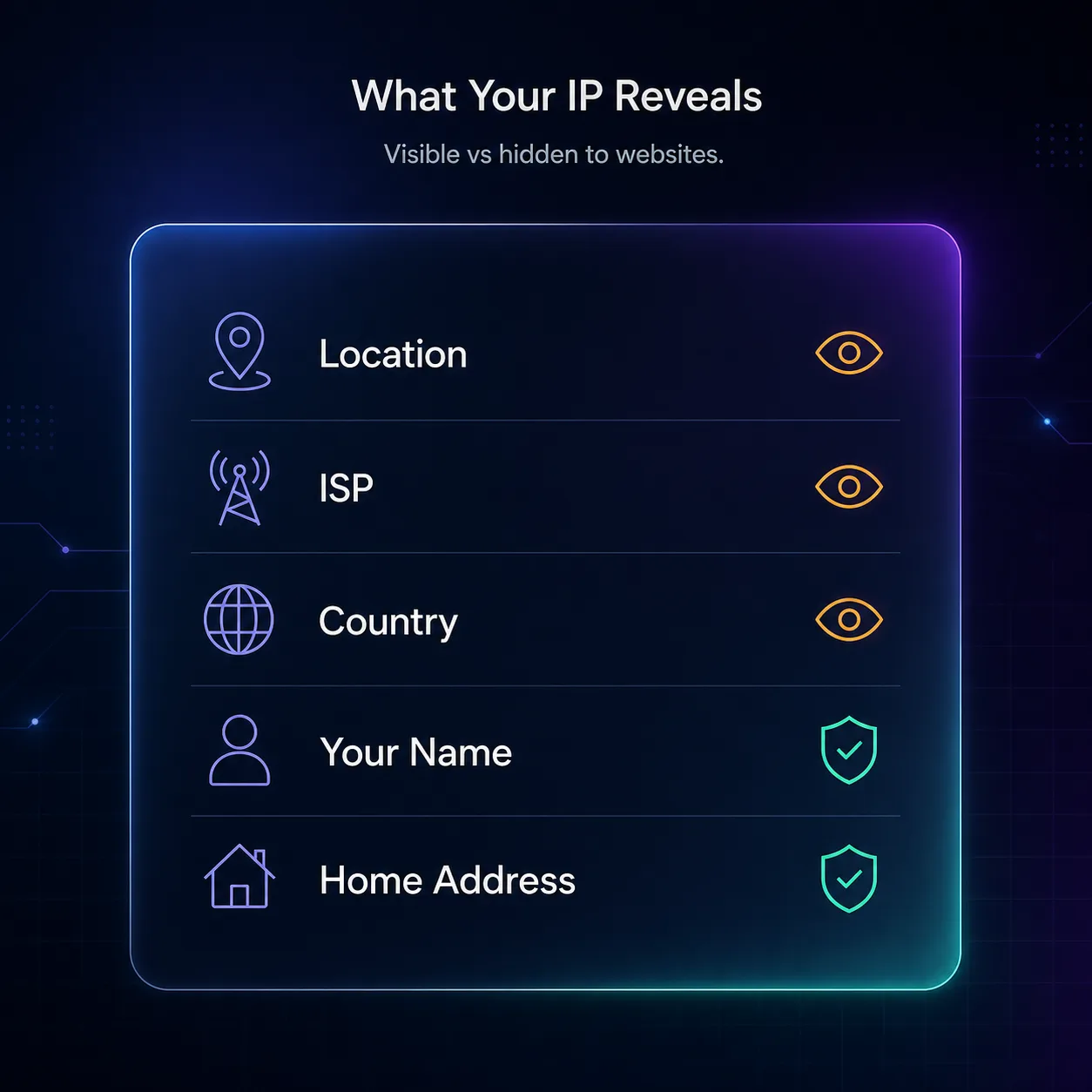
An IP address is informative but limited. It tells a website roughly where you are and who provides your connection — useful for things like showing local content or blocking fraud — but it stops well short of identifying you personally.
| Data point | Can a website see it from your IP? |
|---|---|
| Approximate location (city / region) | Yes |
| Your internet provider (ISP) | Yes |
| Country | Yes |
| Connection type (home, mobile, business) | Yes |
| Your name | No |
| Your exact home address | No |
| Your activity on other websites | No (not from IP alone) |
In plain English: your IP is like a phone area code plus neighborhood, not your full identity. IP geolocation typically pinpoints your city and ISP — not your doorstep. Only your ISP can link an IP to your actual account, and only with a legal request.
Who Else Can See Your IP Address?
Websites are not the only ones. Your IP is visible to more parties than most people realize, because it travels with nearly everything you do online.
That includes the apps on your phone, ad and analytics networks embedded on the pages you visit, your ISP (which sees everything), other players in online games and anyone in a peer-to-peer connection, and even the recipients of some emails. Each of these can log your IP the same way a website does. It is genuinely everywhere — which is exactly why hiding it has value.
Is It Dangerous for Websites to See Your IP?
For the most part, no — it is routine and harmless. But there are real, specific risks worth understanding, and this is where honest nuance beats fear-mongering.
On its own, your IP cannot unmask you. The risk comes when it is combined with other data. Sites use your IP alongside cookies and browser fingerprinting to track you across visits and build a profile. Advertisers use it for geo-targeting. In competitive gaming or peer-to-peer apps, an exposed IP can invite DDoS attacks. And sites use it to enforce geo-blocks, rate limits, and bans. None of these require knowing your name — the IP is the anchor everything else attaches to.
How to Hide Your IP Address From Websites
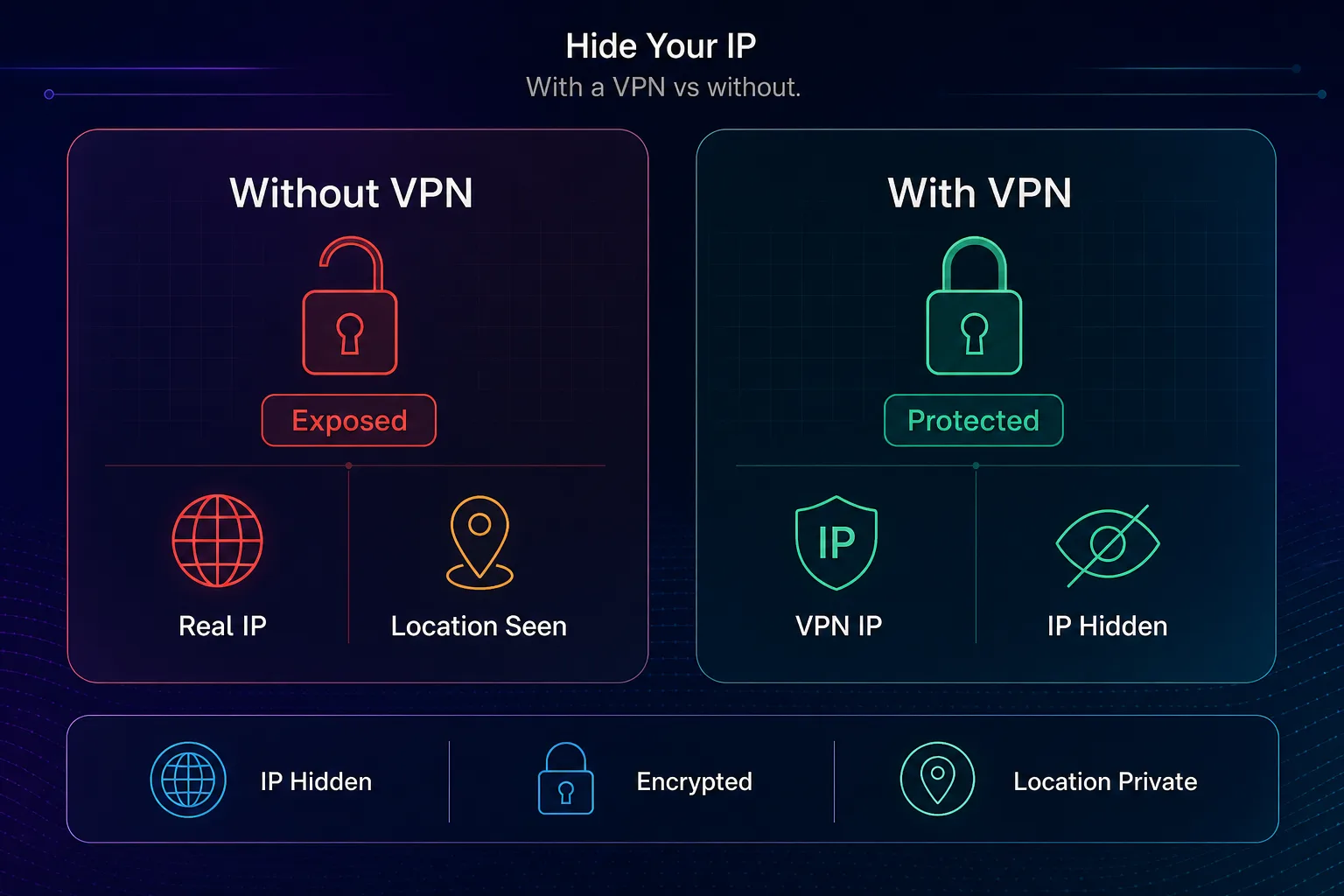
The good news: hiding your IP is easy. You route your traffic through an intermediary so the website sees its address instead of yours. Here are the main methods, ranked by how well they work.
| Method | Hides your IP? | Encrypts traffic? | Best for |
|---|---|---|---|
| VPN | Yes | Yes | Everyday privacy (best all-round) |
| Proxy | Yes | Usually no | App-specific use, scale |
| Tor | Yes | Yes | Maximum anonymity (slow) |
| Mobile data | Changes it | No | A quick different IP, not privacy |
A VPN is the best choice for most people: it hides your IP and encrypts everything, protecting your whole device. Proxies swap your IP for a single app and are ideal at scale — see our guide to the types of proxies. Tor offers the strongest anonymity but is slow. If you are weighing the first two, our proxy vs VPN guide breaks it down.
Best VPNs to Hide Your IP Address
Since a VPN is the top recommendation, quality matters — you are handing it the traffic the website would otherwise see. These are the ones we rate most highly; browse the full list in our VPN directory.
1NordVPN

NordVPN is our best overall pick, pairing the fast NordLynx protocol with a strict, audited no-logs policy and a huge server network. It reliably masks your IP for everyday private browsing and unblocks region-locked content with ease, and its independent audits mean the no-logs promise is verified rather than just marketing.
2Surfshark

Surfshark is the best value, with unlimited device connections and strong speeds at a budget price — so you can hide your IP on every device you own under one plan. Ideal for a whole household.
3Proton VPN

Proton VPN is the privacy purist's pick, from the team behind Proton Mail, and the only top provider with a genuinely unlimited free tier. Its audited no-logs stance and Swiss base make it a strong choice if IP privacy is your main goal.
How to Check What Your IP Reveals About You
Curious what a website actually sees when you connect? You can look it up in seconds. Visit an IP-check tool and it will show the exact IP, approximate location, and ISP that every site you visit can see — your own device's public identity on the web.
It is a useful reality check: turn on your VPN, refresh the page, and watch the location and ISP change to the VPN server's. That is the clearest way to confirm your real IP is hidden. Our what is my IP address guide walks through reading the results.
Your IP Is Only Part of the Tracking Picture
Here is the nuance most "hide your IP" articles leave out: hiding your IP alone does not make you anonymous. It closes one door, but websites track you through several.
Even with your IP masked, a site can still identify your browser through fingerprinting — the unique combination of your screen size, fonts, timezone, and settings — and follow you with cookies and while you are logged into accounts. This is the honest truth: a VPN is essential and does the heavy lifting on the network layer, but real privacy is layered. Pair IP-hiding with a privacy browser, tracker blocking, and cookie hygiene, as covered in our guide on how to stop apps and websites tracking you.
Common Misconceptions
Clearing up the myths that cause needless worry — or false confidence.
1"My IP address reveals my home address"
It does not. IP geolocation is approximate — usually your city and ISP, sometimes off by miles. Only your ISP can tie an IP to your physical account, and only under legal process.
2"Incognito mode hides my IP"
False, and a common trap. Private browsing only clears local history — every website still sees your real IP. To hide it you need a VPN or proxy, as we explain in VPN vs incognito mode.
3"Hiding my IP makes me anonymous"
Not on its own. Fingerprinting, cookies, and logins still track you. Hiding your IP is necessary for privacy but not sufficient — you need the other layers too.
4"Only shady people hide their IP"
Completely untrue. Hiding your IP is a normal privacy and security measure — the same reason you draw the curtains at home. It is about controlling your data, not hiding wrongdoing.
Does Your IP Address Change on Its Own?
Often, yes — and it matters for how well sites can track you. Most home connections use a dynamic IP, which your ISP reassigns periodically, so your address may change every few days or when you restart your router. A static IP stays the same and is more common for businesses.
Here is the catch: a changing IP is not real privacy. Even when your address rotates, websites still recognize you through cookies, logins, and fingerprinting — so you are not anonymous just because the number shifted. And a dynamic IP still reveals the same city and ISP each time. If you want your IP hidden reliably rather than occasionally reshuffled within the same area, a VPN is the dependable answer, since it lets you choose a completely different location on demand.
IPv4 vs IPv6: Does It Matter for Privacy?
You may have two IP addresses: an older IPv4 and a newer IPv6. The distinction is worth a quick note because it can affect your exposure. IPv4 addresses are scarce, so many users share one through their ISP, which slightly muddies individual tracking. IPv6 gives virtually every device its own unique address, which can make a single device easier to single out over time.
For everyday privacy this is a minor factor, but it has a practical trap: a poorly configured VPN can hide your IPv4 while leaking your IPv6, exposing your real address anyway. A quality VPN handles both — another reason to pick a reputable provider rather than a random free app that may leak.
When Should You Hide Your IP Address?
Not every moment online demands a hidden IP, so here is a practical rule of thumb. Turn on IP protection when it genuinely helps and leave it off when it does not.
Hide it when you are on public or hotel Wi-Fi, want to keep your browsing from your ISP, need to avoid geo-profiling and ad tracking, are accessing region-locked content, or gaming where an exposed IP invites attacks. You can skip it for casual browsing on your own trusted network where convenience matters more, though many privacy-minded users simply leave a VPN on all the time. Our take: if privacy matters to you at all, running a VPN by default is the low-effort habit that covers every case — you never have to remember to switch it on at the moment it counts.
Frequently Asked Questions
The Bottom Line
Yes, websites can see your IP address — every single one, automatically, because the web cannot function otherwise. But an IP is a rough location and an ISP, not your identity. The real concern is not the IP by itself; it is how sites combine it with cookies and fingerprinting to track you over time.
If you would rather sites did not see your real IP, hiding it is quick and effective: a VPN masks your address, encrypts your traffic, and protects your whole device. Pick one from our VPN directory — or the best free VPNs on a budget — and remember that real privacy is layered, so pair it with the habits in our stop websites tracking you guide. For authoritative background on online tracking, the EFF's Cover Your Tracks project is well worth a look.