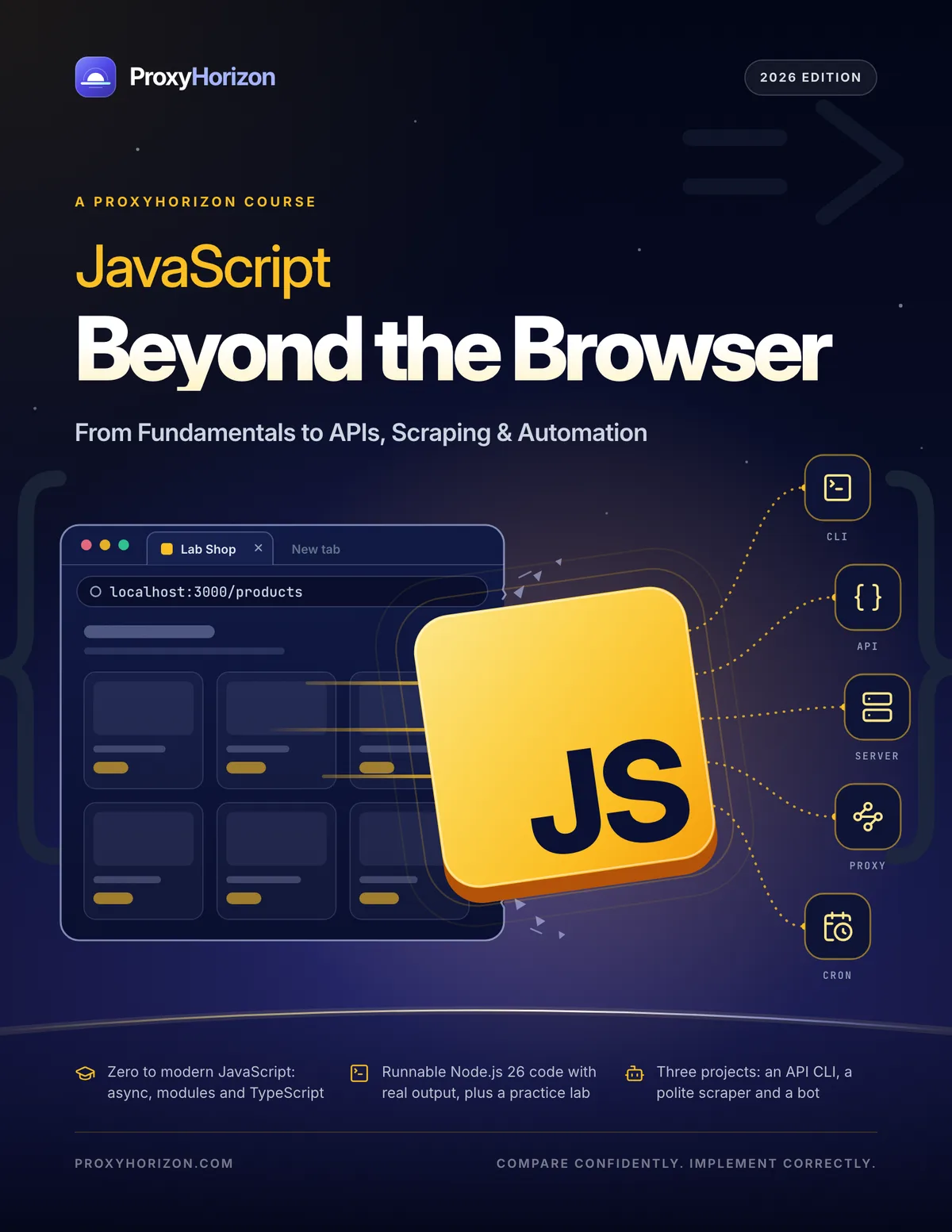
JavaScript Beyond the Browser
The free course that takes you from your first line of JavaScript to APIs, scrapers and automation bots.
- From first line to async, modules and TypeScript
- A practice server you build, then call, scrape and automate
- Three projects: an API CLI, a polite scraper and a bot
PDF · 123 pages · 10.8 MB · No sign-up needed
- Pages
- 123
- Chapters
- 16
- Diagrams
- 40
- Tables
- 31
- Code examples
- 118
About the eBook
A JavaScript course that doesn't stop at the browser
Most JavaScript courses stop at the browser. This one starts at your first line of code and ends with tools that run on their own: command-line utilities, a small API server, polite scrapers and a bot that reports to your team chat every morning.
Every example runs against the Lab Shop, a practice server you build yourself in Chapter 11 and then call, scrape and automate, with runnable Node.js 26 code next to the real output it prints. Exercises close every chapter, and three projects bring it all together.
You don't need a browser to put JavaScript to work.
By the end, you'll be able to
- Install Node.js 26, run scripts, read error messages and debug with confidence
- Write modern JavaScript: functions, arrays and objects, classes, modules and destructuring
- Reshape real data with map, filter, reduce and Object.groupBy
- Write async code that waits well, runs in parallel, times out and recovers
- Build command-line tools and a small API server with Node's built-in modules
- Call REST and GraphQL APIs with auth, pagination, rate limits and retries
- Scrape pages politely with Cheerio and drive a headless browser with Playwright
- Use proxies, control concurrency, store data in SQLite and schedule jobs on GitHub Actions
Look inside
Real pages from the course
Diagrams, runnable code next to its real output, and a one-page cheat sheet. Select any page to see it full size.
What's inside
16 chapters, from first line to automation
Part 1 teaches the language, Part 2 makes you fluent in modern JavaScript, and Part 3 takes it beyond the browser. Every chapter ends with exercises.
- 01p. 5
How JavaScript Runs
Browsers versus Node.js, installing Node.js 26 LTS, your first program and your first error message.
- 02p. 10
Values, Variables and Operators
Types, let and const, === and ??, numbers without surprises, and strings with template literals.
- 03p. 15
Control Flow and Functions
Decisions and loops, functions with defaults and rest parameters, arrow functions and callbacks.
- 04p. 21
Arrays, Objects and Array Methods
Lists and records, copies versus references, destructuring and spread, then map, filter, reduce and groupBy.
- 05p. 28
Errors, Debugging and Testing
Reading stack traces, throwing and catching, debugging tools and your first tests with node:test.
- 06p. 32
Scope, Closures and Classes
Where names live, functions that remember, what this really means, and classes with private fields.
- 07p. 37
Asynchronous JavaScript
The event loop, promises, async and await, running tasks in parallel, and timeouts that cancel.
- 08p. 44
Iterators, Generators, JSON and Regex
Lazy and async generators, what JSON keeps and loses, and regular expressions with named groups.
- 09p. 49
Modules, Packages and TypeScript
import and export, ES modules versus CommonJS, npm and package.json, safe packages and a first look at TypeScript.
- 10p. 54
Node.js Core and Command-Line Tools
Files and paths, JSON, NDJSON and CSV, arguments and environment, events and streams, and a real CLI.
- 11p. 61
Build a Small API Server
HTTP from the server side: build the Lab Shop, the practice API the rest of the course calls and scrapes.
- 12p. 68
Calling REST and GraphQL APIs
fetch, JSON bodies and auth, pagination with async generators, rate limits, retries with backoff and GraphQL.
- 13p. 74
Scraping Web Pages with Cheerio
robots.txt and the rules, CSS selectors with Cheerio, following pages, JSON-LD and storing results in SQLite.
- 14p. 81
Headless Browsers with Playwright
When you need a browser, your first Playwright script, the data behind a page and automating politely.
- 15p. 85
Proxies, Concurrency and Scheduling
Proxies from fetch, rotation and sticky sessions, nine providers compared, concurrency limits and cron.
- 16p. 92
Three Projects to Build and Ship
An API client CLI, a polite scraper with proxy rotation and a scheduled bot on GitHub Actions, shipped responsibly.
- Ap. 99
Appendix
Worked answers to all 48 exercises, JavaScript, regex and Node.js cheat sheets, status codes, the Lab Shop routes, checklists, a glossary and free tools.
Who it's for
Written for beginners, career switchers, founders and developers new to Node.js
New to code
Plain words, small steps and results you can see, from installing Node.js to your first real tool. Start at Chapter 1 and do every exercise.
Front-end developers moving to Node.js
You know the browser; now learn the runtime: modules, async patterns, files and streams, servers and the tooling around them.
Founders, marketers and analysts
Automate data collection and reporting with scripts that call APIs, scrape politely and run on a schedule while you sleep.
Developers new to scraping
Working Node.js code for fetch, Cheerio, Playwright and proxies, with short "Coming from Python" notes along the way.
FAQ
Questions, answered
Is JavaScript Beyond the Browser really free?
Yes. There's no sign-up and no email gate: download the PDF and start with Chapter 1. You're welcome to share it, unchanged and with credit.
Do I need any programming experience?
No. Chapter 1 starts with installing Node.js and running your first line of code, and every term is explained the first time it appears. If you already write JavaScript for the browser, skim Chapters 1–6 and start properly at Chapter 7.
Which Node.js version does it use?
Node.js 26 LTS and modern JavaScript up to ES2026. Every example was run on Node.js 26 in November 2026, and where a feature arrived in a later 26.x release, the book shows what to write on older versions.
Does it work on Windows, macOS and Linux?
Yes. Node.js and every example run on all three. Where a command differs, such as setting an environment variable or calling curl in PowerShell, the book shows both forms.
Do I need to buy proxies?
No. Everything runs against the Lab Shop, a practice server on your own computer, and Chapter 15 tests rotation with free local practice proxies. You only need a provider for real sites, and the book compares nine with figures from the ProxyHorizon directory.
Is web scraping legal?
It depends on what you collect and how. The book covers robots.txt, terms of service, rate limits and personal data, and every scraping example runs politely, with a named bot, against the Lab Shop on your own computer. It isn't legal advice, and it says so.
Does it cover TypeScript?
A practical first look: types, annotations and checking with tsc. Node.js 26 runs .ts files directly by stripping the types, so you can start without a build step.
Are there answers to the exercises?
Yes. Every chapter ends with three exercises, and the appendix answers all 48 with working code, and everything that runs on a laptop was run on Node.js 26.
What format is it in?
A 123-page PDF of about 10.8 MB, with clickable links and a bookmark for every chapter. It reads well on screen and prints cleanly on US Letter or A4.
Does the code work as-is?
Every example was run on Node.js 26, and the book prints the output it produced. Anything that depends on the network, such as GitHub numbers, IP addresses and timings, will differ on your machine.
More free eBooks
All eBooks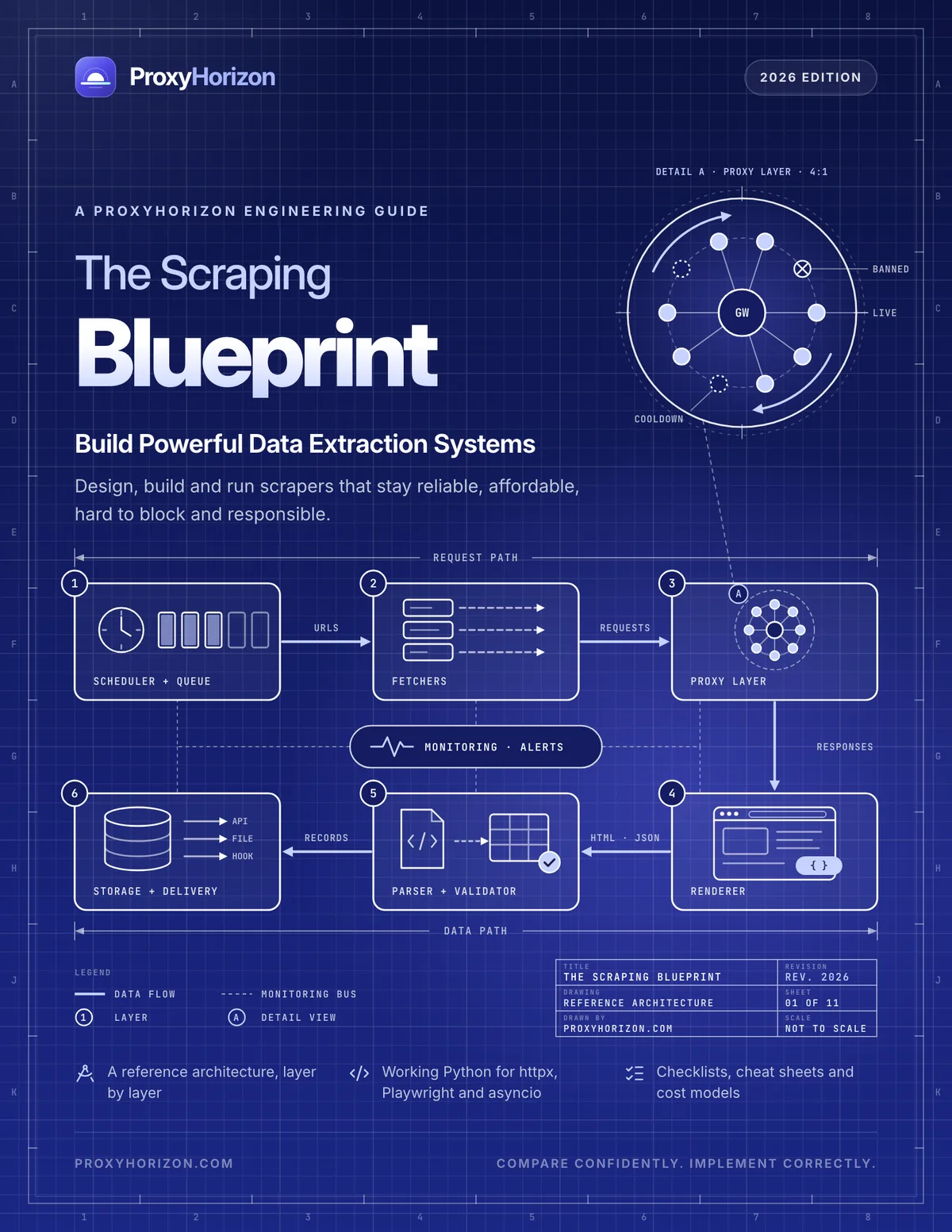
60 pages · Free PDF
The Scraping Blueprint
The free engineering guide to building scraping systems that stay reliable, affordable and unblocked.
Read more
59 pages · Free PDF
The Antidetect Browser Handbook
The free guide to running multiple accounts safely with profiles, fingerprints and proxies.
Read more
59 pages · Free PDF
Proxies for AI Agents and LLM Data
The free guide to collecting, grounding and acting on web data for AI, reliably and responsibly.
Read moreGet JavaScript Beyond the Browser, free
123 pages, no sign-up, no email gate. Install Node.js 26, open Chapter 1 and type along.