Best VPNs for Xbox (2026) + Setup Guide
The best VPNs for Xbox in 2026 for DDoS protection, early game access, and streaming, plus three step-by-step methods to set one up on your console.
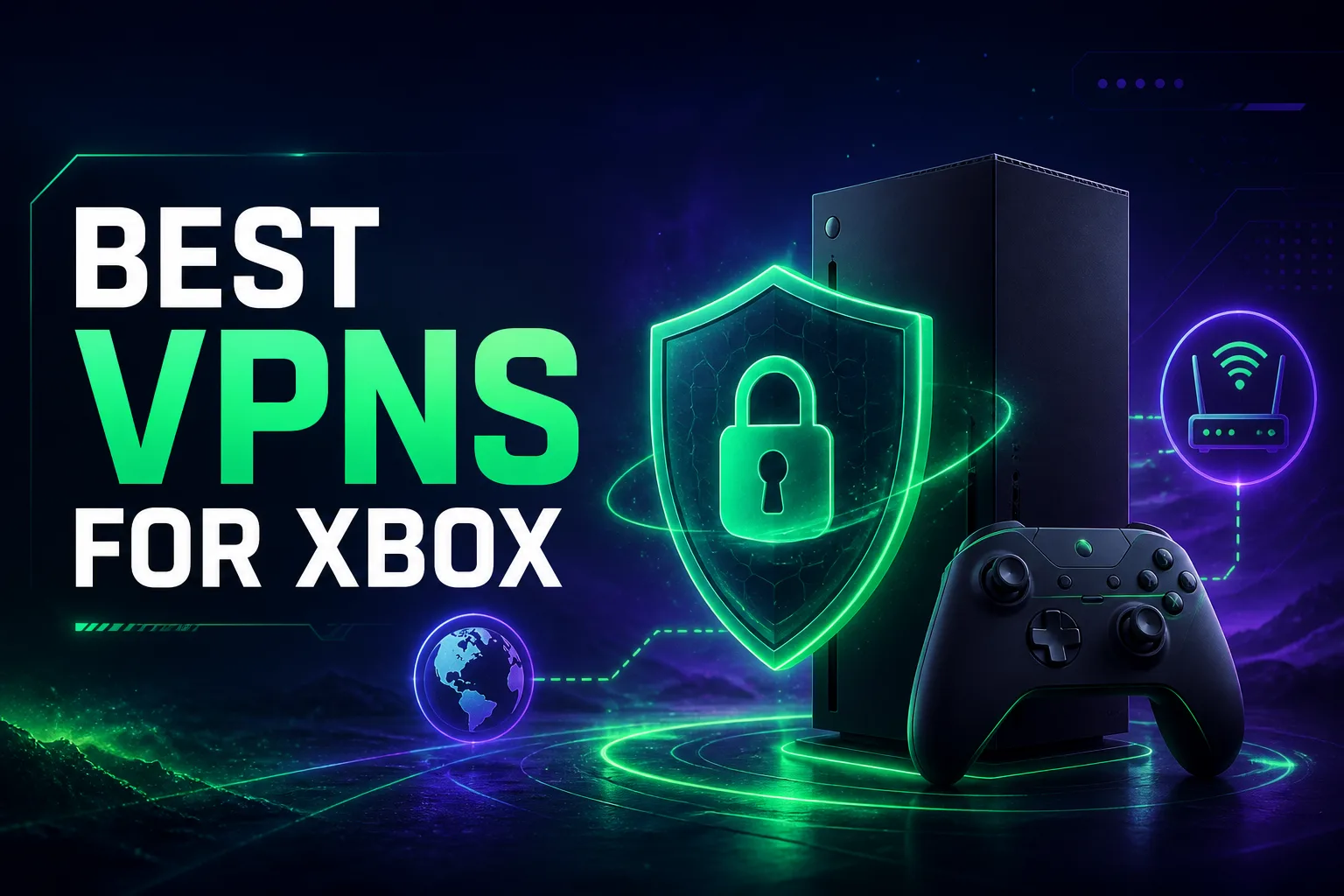
An Xbox is one of the few devices where a VPN genuinely changes the experience, and also one of the trickiest to set up, because neither the Xbox Series X, Series S, nor Xbox One lets you install a VPN app directly. There’s no app store button that flips one on. Instead, you route your console’s connection through a VPN using your router, a PC, or a smart DNS feature, and once you do, a whole set of benefits opens up.
With the right VPN, you can protect your real IP from DDoS attacks in competitive lobbies, unlock games and demos that launch earlier in other regions, beat ISP throttling for smoother sessions, and access streaming libraries from around the world right on your console. The catch is choosing a VPN that’s fast enough for gaming and easy enough to set up without a computer-science degree.
In this guide we cover the best VPNs for Xbox in 2026, what actually matters for console gaming, and three clear methods to set one up step by step. Every pick here is fast, reliable, and console-friendly. Let’s dive in.
Best VPNs for Xbox in 2026: Quick Comparison
Here’s an at-a-glance look at our top six picks before we break down each one.
| VPN | Best For | Console Setup | Price Tier |
|---|---|---|---|
| NordVPN | Best overall for gaming | Smart DNS + Router | $$ |
| Surfshark | Best value (unlimited devices) | Smart DNS + Router | $ |
| ExpressVPN | Best for easy setup | MediaStreamer + Router | $$$ |
| CyberGhost | Best for streaming | Smart DNS + Router | $ |
| Proton VPN | Best for privacy & free tier | Router / PC share | $$ |
| PureVPN | Best budget option | Router / PC share | $ |
Why Use a VPN on Xbox?
A VPN on your Xbox isn’t just about privacy. It solves several very specific gaming problems.
1Protect Your IP From DDoS Attacks
In competitive online play, a determined opponent can sometimes pull your IP address and hit you with a DDoS attack to knock you offline mid-match. A VPN hides your real IP behind its server, so attackers see the VPN’s address instead of yours. For ranked players and streamers, this is the single biggest reason to run one.
2Play Games Early and Access Other Regions
Some games, updates, and demos release earlier in regions like New Zealand due to time zones, and certain content is region-locked. Connecting through a VPN server in another country can unlock earlier access and region-specific content. Just note that buying from another store region may conflict with platform terms, so stick to access and early releases rather than exploiting pricing.
3Beat ISP Throttling
Some internet providers slow down gaming or streaming traffic during peak hours. Because a VPN encrypts your traffic, your ISP can’t single out and throttle it, which can smooth out sessions if throttling is your bottleneck.
4Unlock Streaming Apps on Your Console
Your Xbox doubles as a media hub, and a VPN lets streaming apps show libraries from other countries. See our guide to the best free VPNs for streaming if that’s your main goal.
5Stay Safe on Shared Networks
Gaming from a dorm, barracks, or shared house? A VPN encrypts your connection and can bypass network-level blocks that stop consoles from connecting in the first place.
A Quick, Honest Note on Ping and Latency
Let’s be straight about this, because a lot of gaming VPN content oversells it. A VPN adds an extra hop to your connection, so in most cases it will not lower your ping, and it may add a few milliseconds. Where a VPN genuinely helps is when your ISP is throttling you or routing your traffic inefficiently, in which case a nearby VPN server can actually improve stability. For pure competitive latency on an unthrottled connection, expect neutral to slightly higher ping, with the real wins being DDoS protection, geo-access, and throttling bypass.
What to Look For in an Xbox VPN
Because consoles need indirect setup, the right VPN has a specific feature set.
1Fast Speeds
Gaming and 4K streaming demand speed. Look for modern protocols like WireGuard (or NordLynx and Lightway) that keep the encryption overhead low. For a broader look across every platform, see our roundup of the best VPNs for gaming.
2Router or Smart DNS Support
Since you can’t install an app on Xbox, you need a VPN that either works well on routers or offers a smart DNS feature. Smart DNS is the easiest route for unblocking, though it doesn’t encrypt, more on that below.
3A Large Server Network
More servers in more countries means better speeds and more regions to unlock. A big network also makes it easier to find a lightly loaded server near you.
4Unlimited or Many Device Connections
A router setup covers every device in your home under one connection, but if you use PC sharing, unlimited simultaneous connections (like Surfshark’s) are a bonus.
5A Strict No-Logs Policy
Choose a provider with an independently audited no-logs policy so your gaming and browsing activity stays private. Learn more about the privacy side in our guide on whether governments can track VPN users.
The 6 Best VPNs for Xbox in 2026
Every VPN below is fast, reliable, and works cleanly with Xbox through a router or smart DNS. Here’s what each does best.
1NordVPN, Best Overall for Gaming

NordVPN is the all-round champion for Xbox, combining blistering speeds from its NordLynx protocol with one of the largest server networks in the industry. Its SmartDNS feature (SmartPlay) makes unblocking streaming apps on Xbox simple, while strong router support handles full encryption for the whole console. Built-in Threat Protection and a rock-solid audited no-logs policy round out a package that’s hard to beat.
If you want the safest, fastest, most reliable all-rounder that just works for both gaming and streaming on Xbox, NordVPN is the one to get.
2Surfshark, Best Value With Unlimited Devices

Surfshark delivers premium features at a budget price, and its standout perk is unlimited simultaneous connections, so you can secure your Xbox, PC, phone, and every other device under one subscription. Speeds are excellent thanks to WireGuard, and its Smart DNS feature makes Xbox unblocking easy without a router flash.
For households with lots of devices, or anyone who wants top-tier performance without a top-tier price, Surfshark is the best value pick for Xbox.
3ExpressVPN, Best for Easy Setup

ExpressVPN is the most beginner-friendly way to get a VPN onto your Xbox, thanks to its MediaStreamer smart DNS, which unblocks content on the console without any complex configuration. It also offers its own router app for a genuinely simple whole-home setup, plus the fast, reliable Lightway protocol and a strong privacy record.
If you value simplicity and consistency above all and don’t mind paying a premium for it, ExpressVPN makes Xbox setup as painless as it gets.
4CyberGhost, Best for Streaming

CyberGhost is built with streaming and gaming in mind, offering dedicated servers optimized for specific platforms and a huge network that makes unblocking libraries effortless. Its Smart DNS works nicely on Xbox, and its beginner-friendly apps and generous money-back guarantee make it low-risk to try.
If your Xbox is as much a streaming box as a gaming console, CyberGhost’s optimized servers make it a standout choice at a friendly price.
5Proton VPN, Best for Privacy and a Free Tier

Proton VPN, from the makers of Proton Mail, is the privacy purist’s pick, with Swiss jurisdiction, open-source audited apps, and a genuinely usable free tier. For Xbox you’ll set it up via a router or PC share, and its fast servers and strong security make it a great fit for players who prioritize privacy and transparency.
If you want serious, verifiable privacy or a free option to start with, Proton VPN is the most trustworthy choice on this list.
6PureVPN, Best Budget Option
PureVPN rounds out the list as a wallet-friendly all-rounder with a large server network and solid router support for Xbox. It covers the essentials, decent speeds, wide geo coverage, and an audited no-logs policy, at a price that undercuts the premium names, making it a sensible entry point.
If you want reliable Xbox VPN coverage on a tight budget, PureVPN gets the job done without stretching your wallet. Compare it against the others in our full VPN directory.
How to Set Up a VPN on Xbox
Since Xbox has no native VPN app, you’ll use one of these three methods. Pick the one that matches your setup.
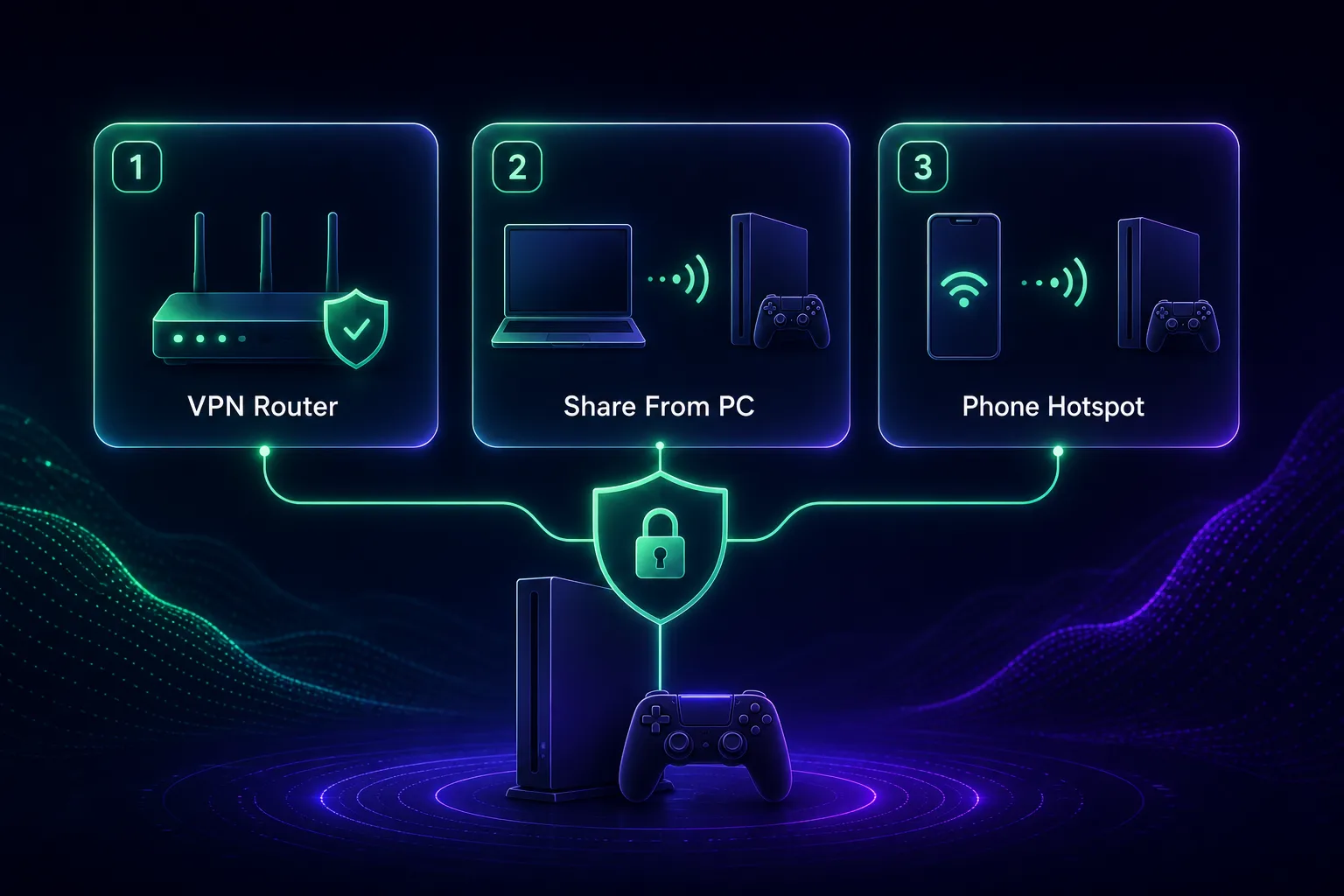
1Method 1: VPN Router (Best for Full Coverage)
Installing the VPN on your router protects every device on your network, Xbox included. Log into your router’s admin panel, install your VPN provider’s firmware or configuration (or use a dedicated router app like ExpressVPN’s Aircove), connect to a server, then simply connect your Xbox to that router’s network as usual. This is the cleanest long-term solution.
2Method 2: Share From a PC (No Special Router Needed)
On Windows, install your VPN app, then share the VPN connection to your Xbox over Ethernet or a hosted hotspot. Connect the Xbox to your PC by Ethernet cable, enable internet connection sharing on the VPN’s network adapter, and set the Xbox network to use that wired connection. Your console’s traffic then flows through the PC’s encrypted VPN tunnel.
3Method 3: Smart DNS (Easiest for Streaming)
If your goal is unblocking streaming apps rather than full encryption, smart DNS is the simplest option. Enable smart DNS in your VPN dashboard (such as ExpressVPN’s MediaStreamer or NordVPN’s SmartDNS), then on your Xbox go to Settings → General → Network settings → Advanced settings → DNS settings, choose manual, and enter the DNS addresses your VPN provides. Remember: smart DNS unblocks content but does not encrypt your traffic or hide your IP.
Things to Know Before You Start
A few important caveats will save you frustration.
1Smart DNS Is Not Full VPN Protection
Smart DNS is great for streaming because it’s fast and simple, but it offers no encryption and won’t protect you from DDoS attacks. For privacy and IP protection, use the router or PC-sharing method instead.
2Avoid Free VPNs for Gaming
Most free VPNs are too slow for gaming, cap your data, and some monetize your traffic. Proton VPN’s free tier is a rare exception worth considering, but for serious use a reputable paid plan is far better.
3Respect Platform and Store Terms
Using a VPN on Xbox is fine, but manipulating your store region to exploit pricing can violate platform terms. Stick to legitimate uses like early access, DDoS protection, and streaming.
Can You Get Banned for Using a VPN on Xbox?
This is a common worry, and the honest answer is that simply using a VPN is very unlikely to get your Xbox account banned. Microsoft doesn’t prohibit VPNs outright, and millions of players use them for privacy and DDoS protection without any issue. What can cause trouble is how you use one. Occasionally, connecting from a wildly different country can trigger a security check on your account, or a shared VPN IP that others have abused may be temporarily flagged by a game’s anti-cheat or matchmaking system.
To stay safe, use a reputable paid VPN with clean IPs, pick a server in or near your real region unless you have a specific reason not to, and avoid using a VPN to manipulate store pricing across regions. Do that, and you get all the protection benefits with essentially none of the risk. If a particular game’s servers happen to block a VPN IP, simply switch to another server and you’ll be back in.
Frequently Asked Questions
The Bottom Line
A VPN turns your Xbox into a safer, more flexible machine: shielding your IP from DDoS attacks, unlocking early releases and global streaming libraries, and beating ISP throttling. The trick is picking one that’s fast and console-friendly, then setting it up via a router, a PC, or smart DNS depending on your goal.
For most players, NordVPN is the best all-round choice thanks to its speed, network, and easy SmartDNS. Pick Surfshark for the best value across unlimited devices, ExpressVPN for the simplest setup, and Proton VPN if privacy or a free tier matters most. Compare them all in our full VPN directory, or if you also game on Sony’s console, see our guide to the best VPNs for PS5.
Keep Reading
More articles you might enjoy